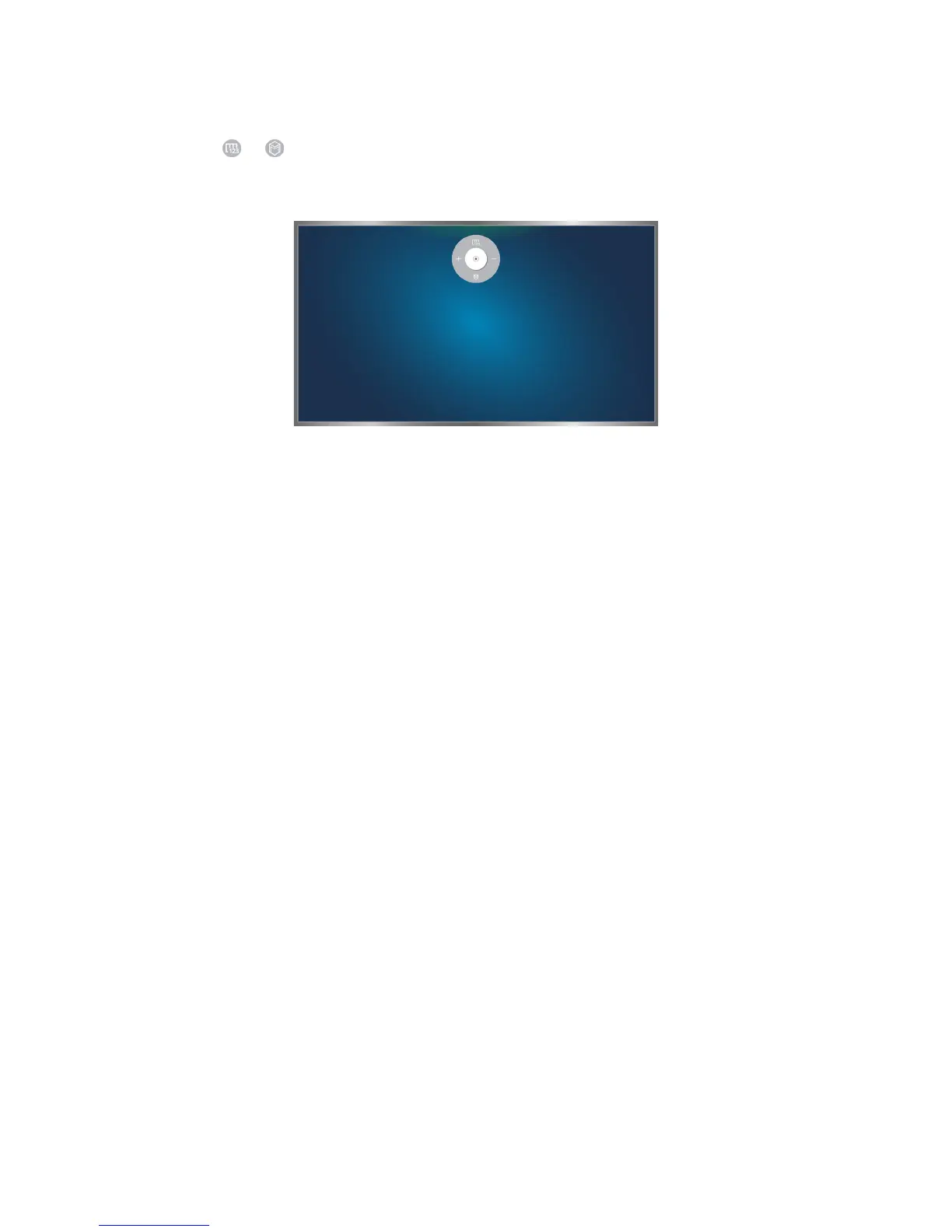
Showing the Direction Control icon while not viewing a broadcast
To display the Direction Control icon while not viewing a broadcast, move to the centre of the top side
of the screen, and then fold down you index finger. After the Direction Control icon appears, move
the focus to the or , and then fold down your index finger to display the On-Screen Remote or
launch Smart Hub. The Direction Control icon disappears when there is no user action for 5 or more
seconds.
Displaying the hidden direction control icon while using various services when not viewing broadcasts









 To Next Page