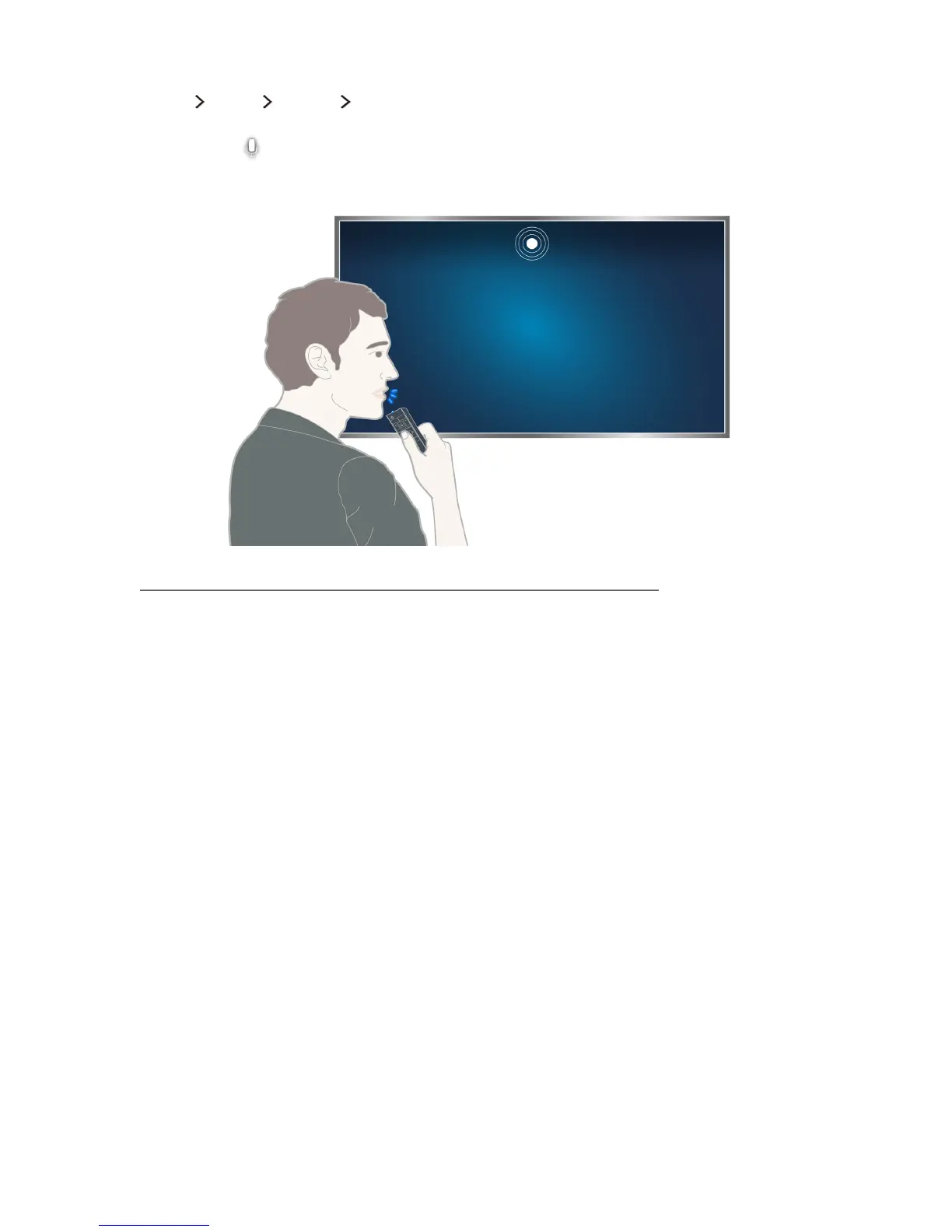
Controlling the TV with your voice
(MENU/123) MENU System Voice Recognition
Press and hold the MENU/123 button on the Samsung Smart Control. The Voice Recognition screen
appears. When the
icon appears on the screen, speak commands slowly, in a moderately loud
voice, into the microphone on the Samsung Smart Control.
"
This function is only available on certain models in specific geographical areas.
"
For more information, refer to "Controlling the TV with Your Voice."









 To Next Page