87
To Delete User Account
1
Click Start > Control Panel > User
Account.
2
Select the user account to be deleted
and click Delete Account.
The administrator account cannot be
deleted. It can only be renamed or
disabled.
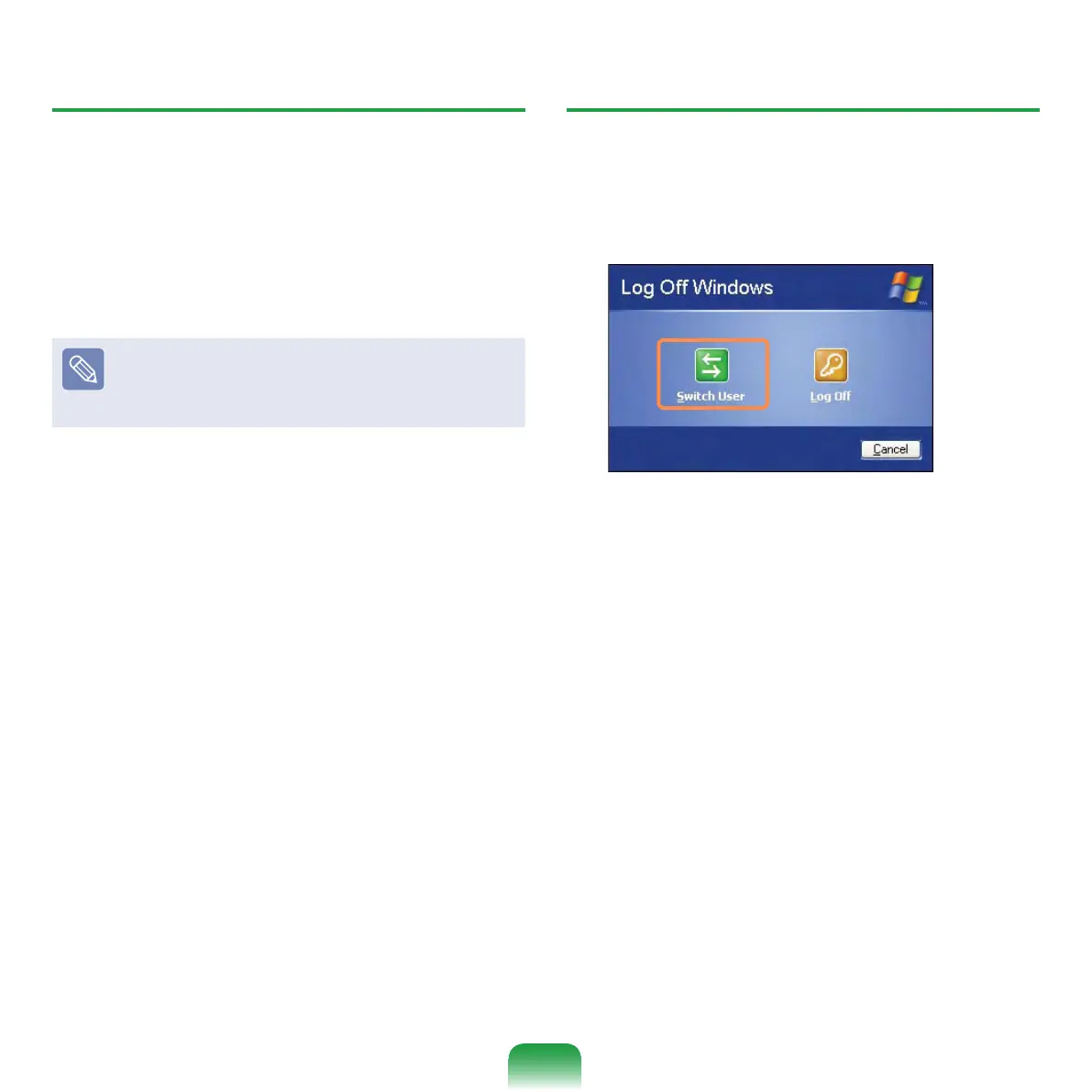
How to Switch a User
1
Click Start > Logoff.
2
Click Switch User.
3
Click the user name to be switched
from the Welcome screen. Then you
can log on with a new user name.


 To Next Page