18_ Operating basic function
In this mode, heating will be activated as required by the water temperature set point.
• The set point can be set manually
• or set weather dependant
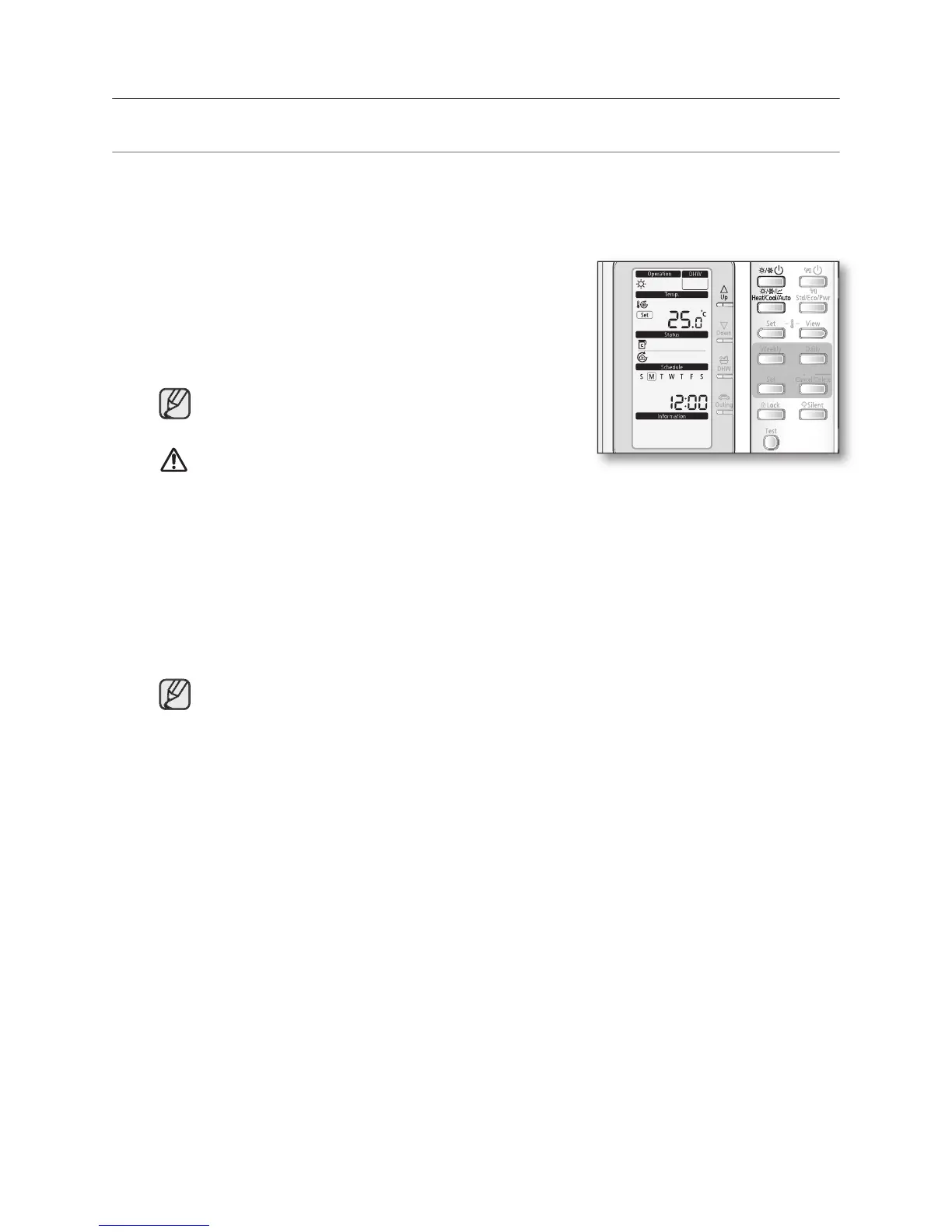
button to turn on the heat
The heat pump will be turned on in the mode you select.
• Space water heating devices: Radiator or Fan coil unit
In winter season, the heat pump sometimes goes
into defrost mode to prevent from the freezing of the
The heat pump has a built-in protection mechanism
to prevent the unit from being damaged when it is
started immediately after being plugged in or stopped,
the heat pump will start up after 3 minutes.
button once to select the space heating mode.
The heat pump will run on heating mode.
button to set the desired temperature.
The temperature can be set between 15ºC to 55ºC.
The temperature is adjusted by 0.5ºC.



 To Next Page