22_ Operating hot key function
Operating hot key function
Operating hot key function
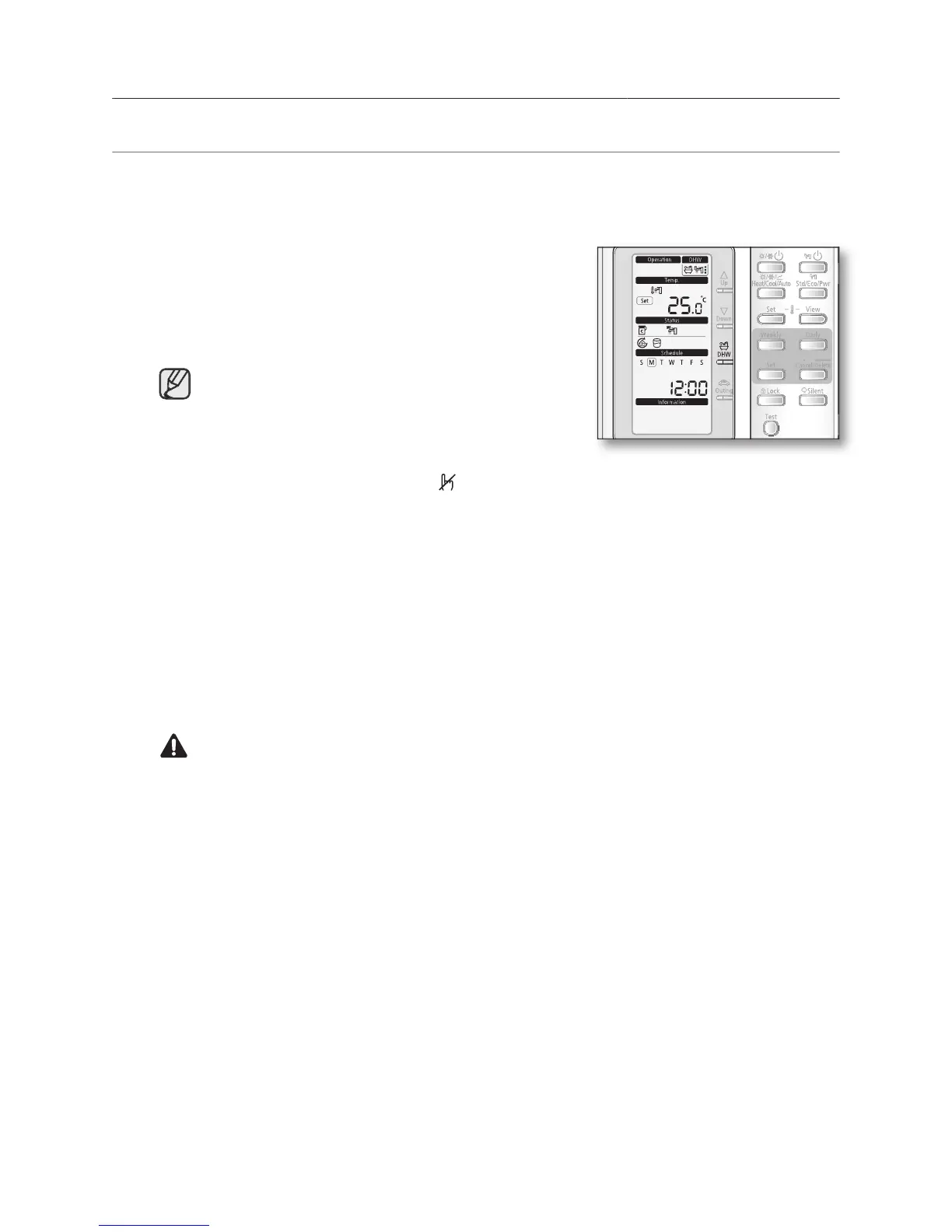
If you want to enjoy a leisurely bath or need a lot of warm water urgently, select the DHW hot key.
When this mode is enabled, it is assured that the full capacity of the heat pump is only delivered for
The full capacity of the heat pump is only delivered to
The booster heater is forced to operate until the
temperature of DHW tank is reached to the set point.
• This hot function can not be used when the DHW
• In this DHW function mode, both the space heating
or cooling are not working. The
icon is blinking for 3 seconds.
• This hot function remains available when the solar operation.
• The temperature set point is determined by user’s input during urgent DHW mode.
However, you can adjust the desired temperature using
Hot key once again to exit.
The heat pump is turned on a normal operation.
By default field setting value option, this function will not be turned off automatically.
If you want a hot key function for a certain amount of duration time, change the field
setting value of remote controller.





 To Next Page