Operating advanced function _29
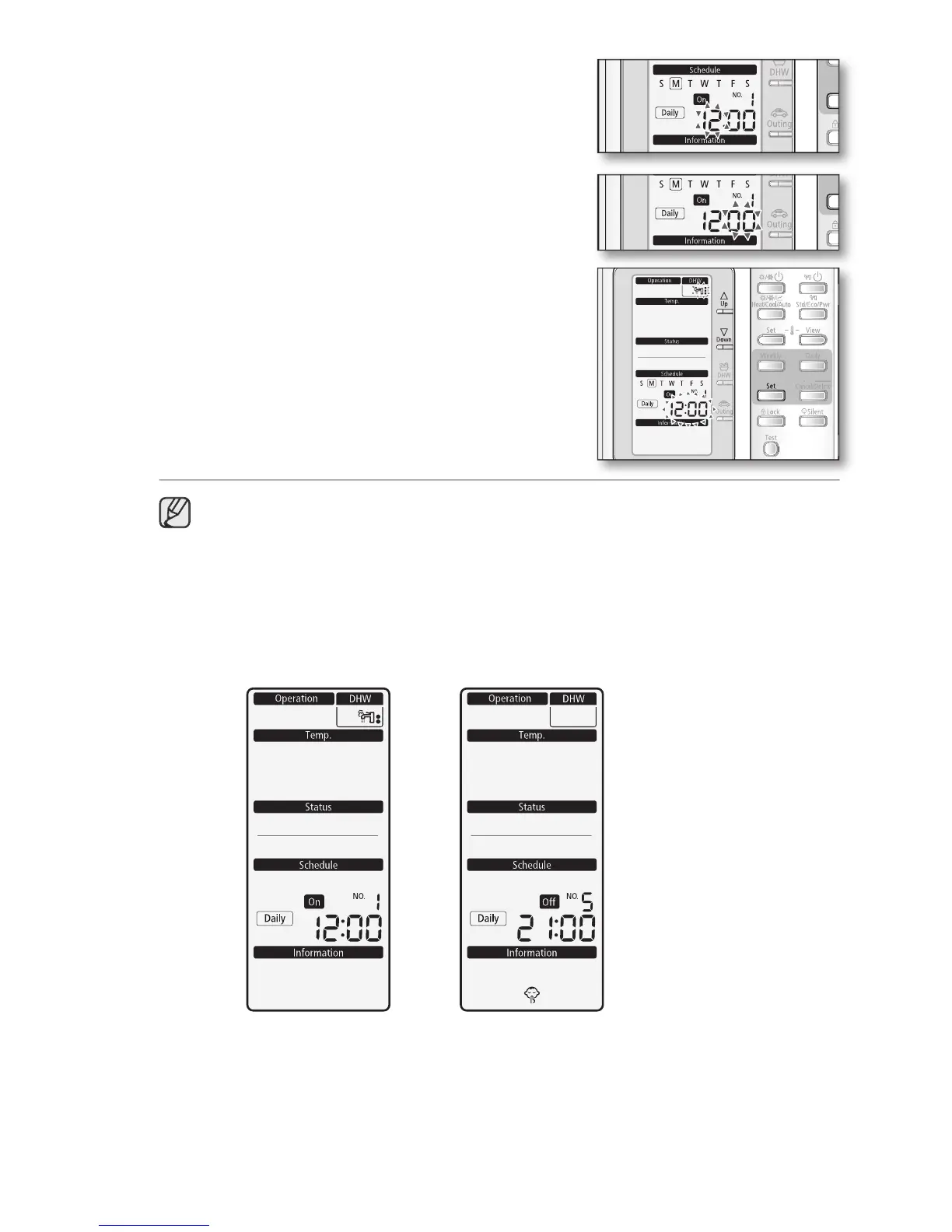
Set the hour by pressing the
The ‘hour’ indicator will blink. Set the hour and press
button to save the setting.
Set the minute by pressing the
The ‘minute’ indicator will blink. Set the minute and
button to save the setting.
After step 5, all indicators are blinking except
“Reservation No”, “Daily”. Then press
• On this step, you can only use
• If there is a reservation on same day and time, it will not be confirmed and
“Not Available” indicator will blink for 3 seconds. In this case, go back to the step 4.
Viewing the Daily Schedule (On / Off) Display





 To Next Page