137
Italiano
Tastiera con LED bianchi (Opzione)
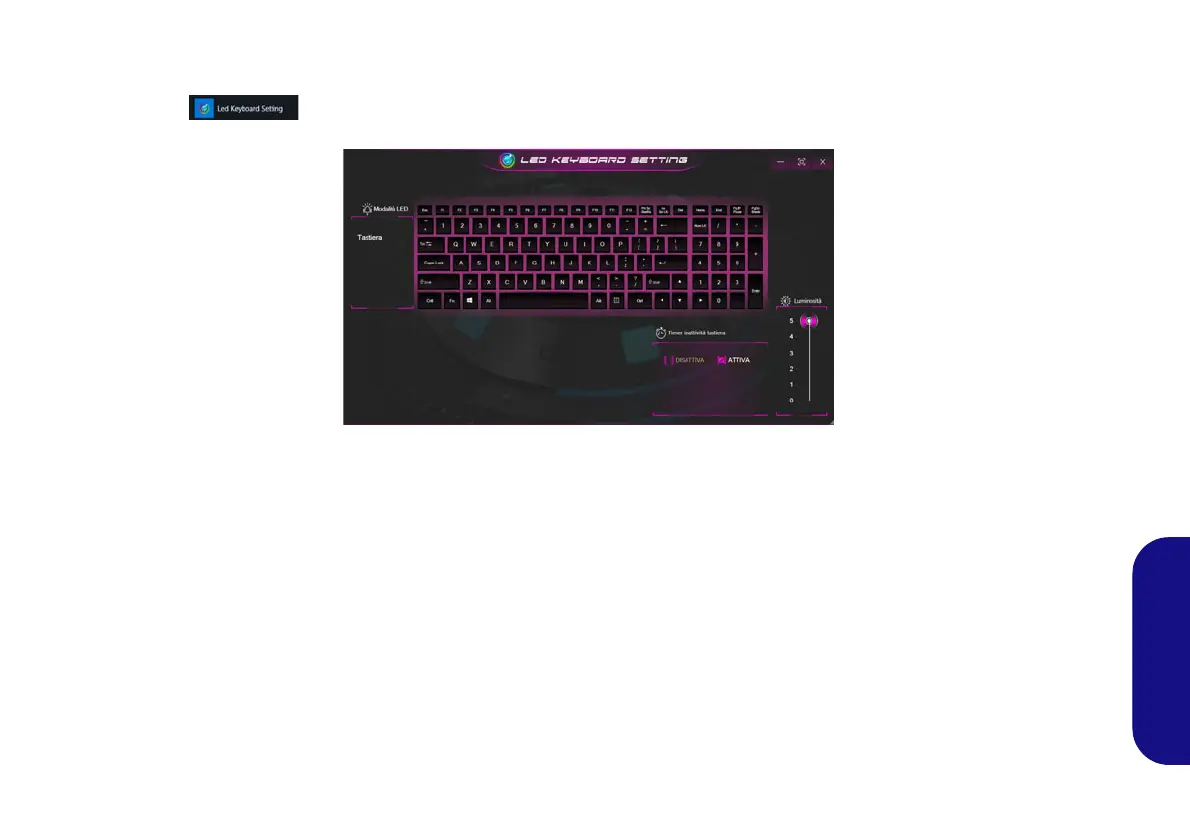
È possibile accedere all'applicazione LED Keyboard facendo clic su LED Keyboard nel Control Center o dal menu Start
di Windows .
Figura 12 - Applicazione LED Keyboard
Timer inattività tastiera
Attiva e seleziona la quantità di tempo per il quale il sistema è inattivo prima che la tastiera LED attivi la modalità sleep (cioè
l’illuminazione della tastiera LED si spegnerà per risparmiare energia).
Luminosità tastiera
È possibile regolare la luminosità della tastiera utilizzando il cursore Luminosità.
NV40 MBMEMZ(-D) book.book Page 137 Friday, September 4, 2020 3:55 PM













 To Next Page