21
English
Audio Features
You can configure the audio options on your computer
from the Sound control panel in Windows.
The volume may be adjusted by means of the Fn + F5/F6
key combination.
Sound Blaster Cinema 6
(Design I Only)
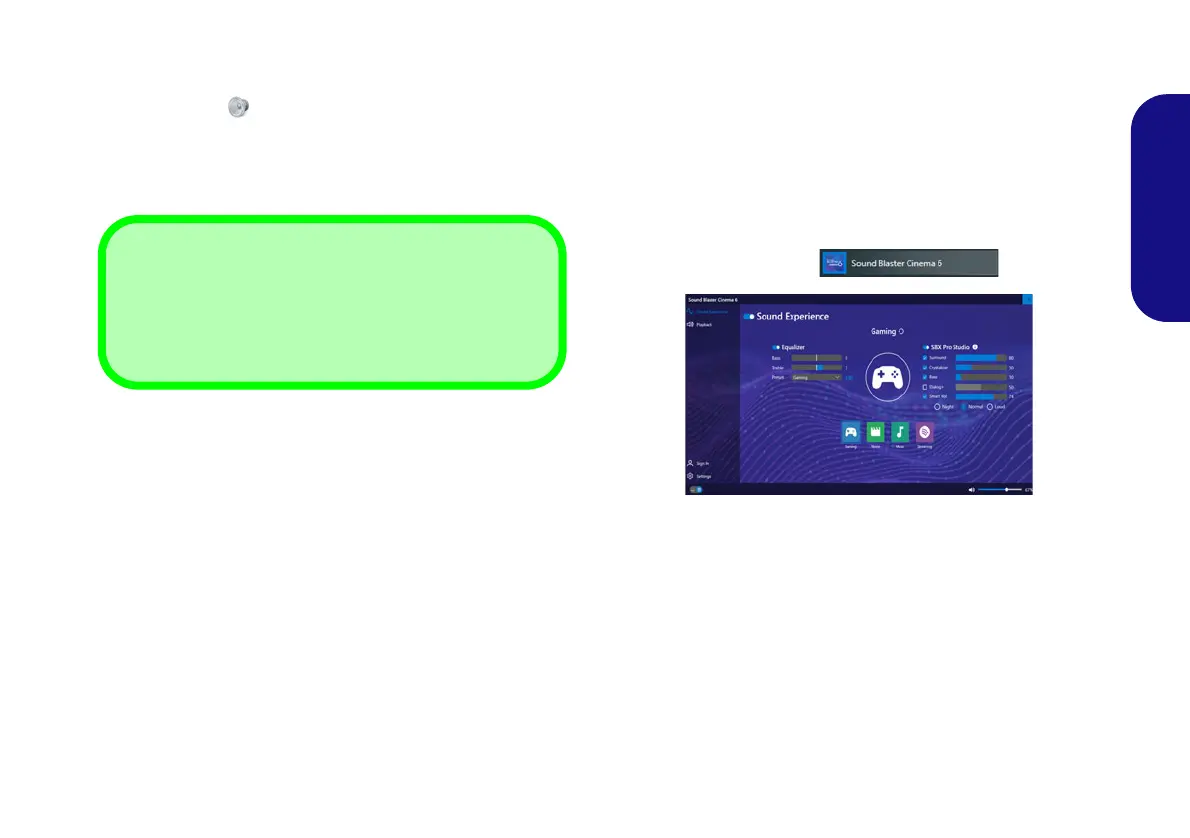
The Sound Blaster Cinema 6 application allows you to
configure the audio settings to your requirements for the
best performance in games, music and movies.
Sound Blaster Cinema 6 Application
Run the Sound Blaster Cinema 6 control panel from the
Start menu in Windows .
Figure 16 - Sound Blaster Cinema 6
Volume Adjustment
The sound volume level can also be set using the volume
control within Windows. Click the Speaker icon in the
taskbar to check the setting
.
NV40 MBMEMZ(-D) book.book Page 21 Friday, September 4, 2020 3:55 PM












 To Next Page