17
English
White-LED Keyboard (Option)
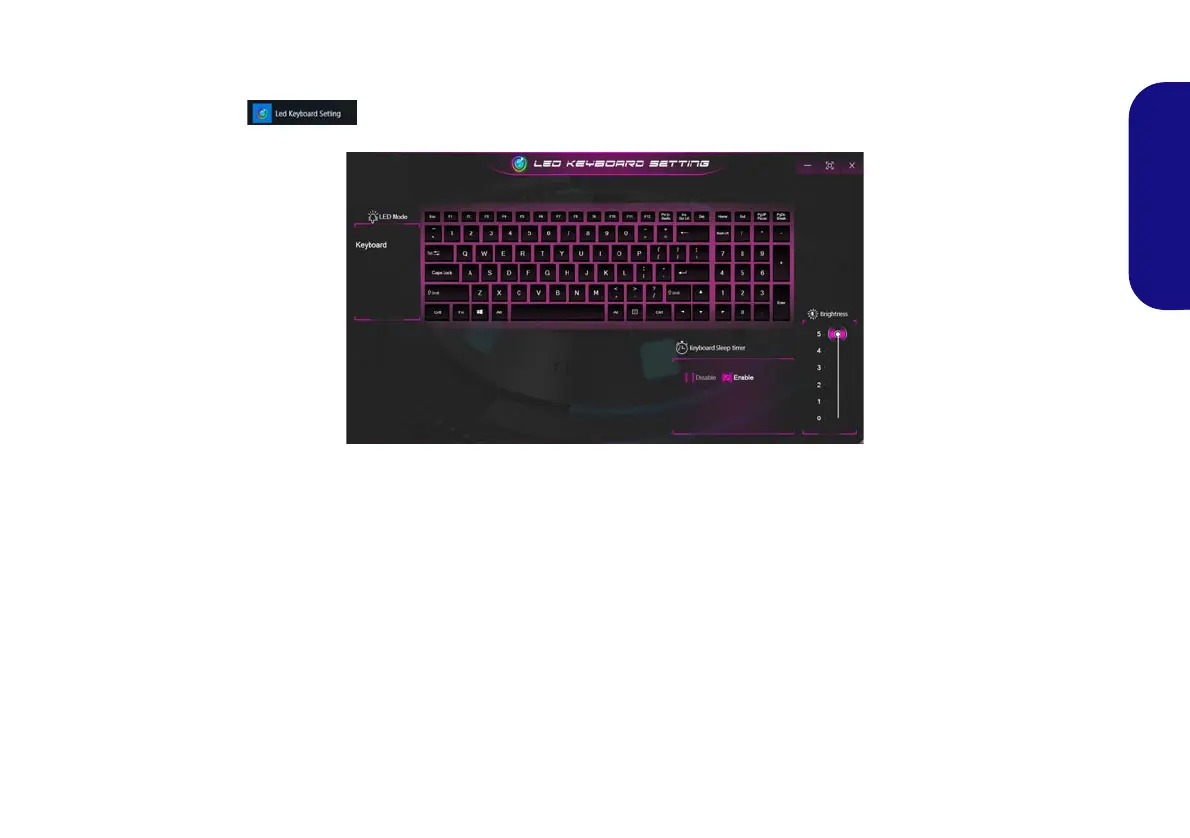
The LED Keyboard application can be accessed by clicking LED Keyboard in the Control Center or from the Start
menu in Windows .
KB Sleep Timer
Enable and then select the amount of time for which the system is idle before the keyboard LED enters sleep mode (i.e.
the LED keyboard illumination will turn off to save power).
KB Brightness
You can adjust the keyboard brightness using the Brightness slider.
Figure 12 - LED Keyboard Application
NV40 MBMEMZ(-D) book.book Page 17 Friday, September 4, 2020 3:55 PM













 To Next Page