<<
0
>>
Identification of features
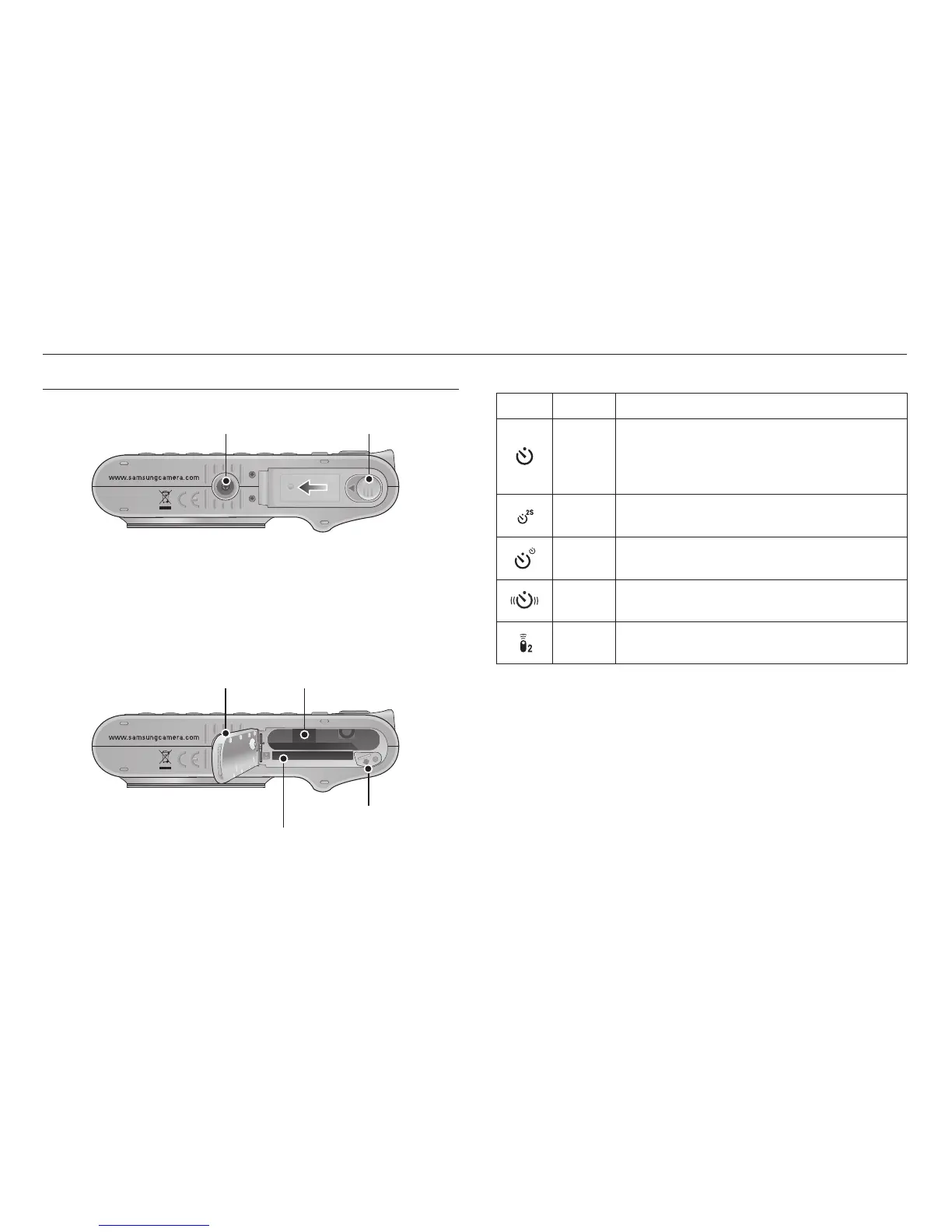
Bottom
Tripod socket
To open the battery chamber cover, slide it in the direction shown above.
Battery cover lever
Battery chamber cover Battery chamber
Battery holder
Memory card slot
■ Self-timer lamp
Icon Status Description
Blinking
- For the first 7 seconds, the lamp blinks at second
intervals.
- For the final 3 seconds, the lamp blinks quickly at
0.25-second intervals.
Blinking
For 2 seconds, the lamp blinks quickly at 0.25-
second intervals before taking a picture.
Blinking
A picture will be taken after about 0 seconds and 2
seconds later a second picture will be taken.
Blinking
After pressing the Shutter button, the image is taken
in accordance with the subject’s movement.
Blinking
Pressing the remote control shutter button will allow
an interval of 2 seconds before the image is taken.



 To Next Page