<<
54
>>
Protecting images Deleting images
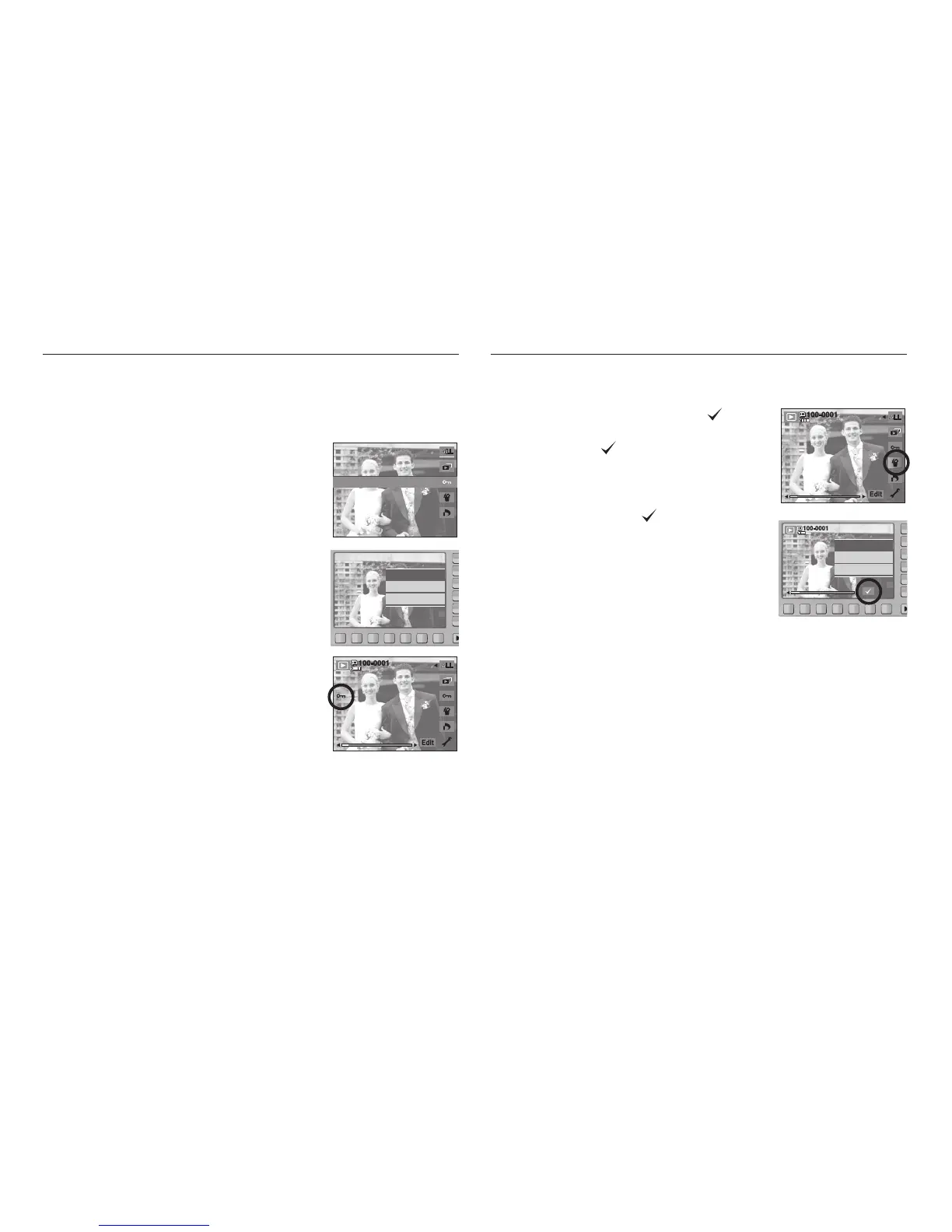
This is used to protect (Lock) specific shots from being accidentally erased.
It also unprotects (Unlocks) images that have been previously protected.
[ONE] : Protect / release displayed image.
[ALL] : Protect / release all saved images.
- If you protect an image, the protect icon will be
displayed on the LCD monitor. (An unprotected
image has no indicator)
- An image in LOCK mode will be protected from
the delete function, but will NOT be protected
from the format function.
ONE ALL
Protect?
Lock
Unlock
This is used to delete the displayed image.
[YES] : deletes displayed or checked ( ) image.
[NO] : cancels deleting displayed image or
checked ( ) image.
- The protected images can’t be deleted.
- If you wish to delete multi-image, check to delete
the image by using the ( ) button and the
smart button (horizontal) and then press the [Yes]
menu.
- The number of images will be displayed at the
bottom right of the LCD monitor.
Delete
Delete?
Yes
No



 To Next Page