<<
67
>>
Setup menu ( ) Setup menu ( )
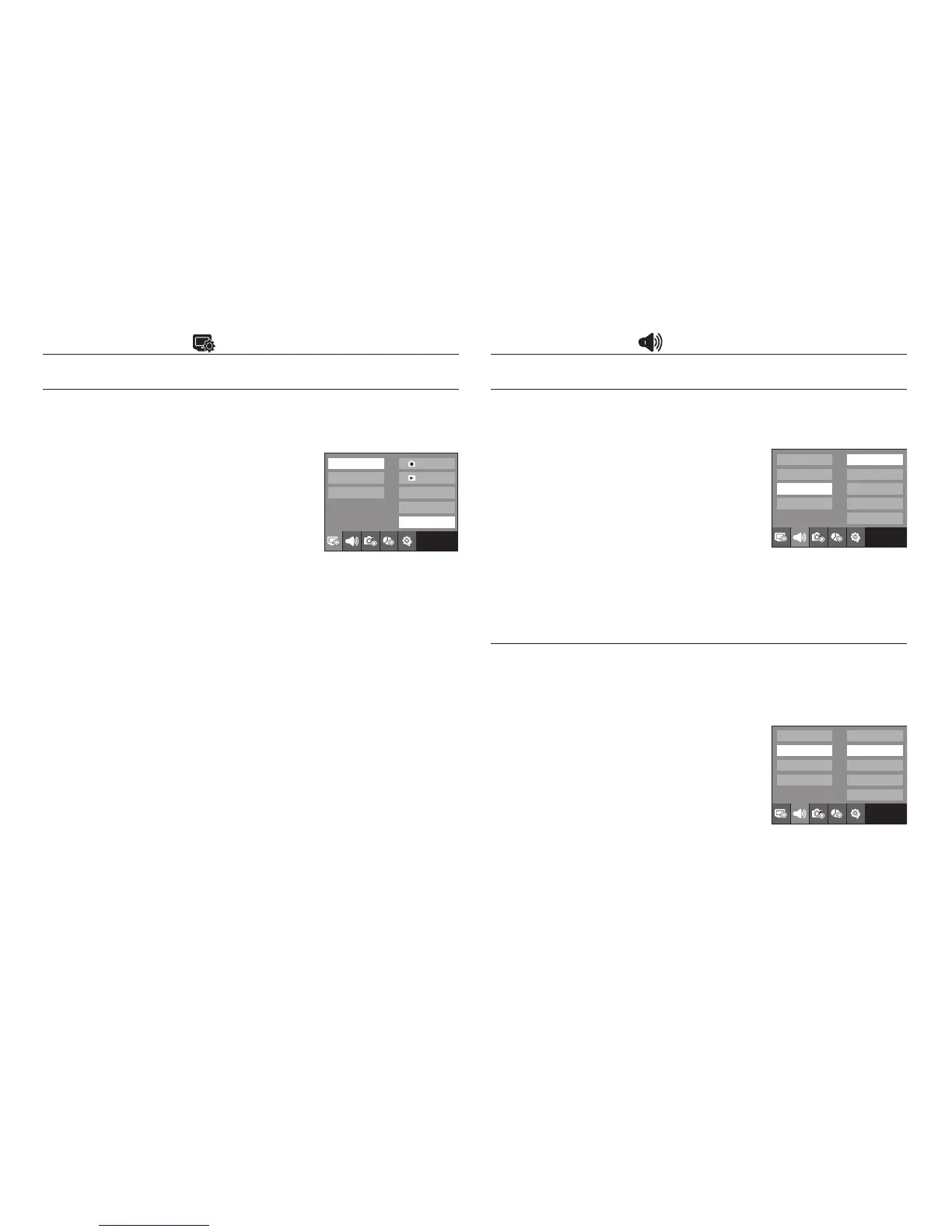
Start up image
You can select the image that is first displayed on the LCD monitor
whenever the camera is turned on.
- Start up image : [Off], [LOGO], [User Image]
- Use a saved image for the start-up image with
the [Start Image] in the [RESIZE] menu in the play
mode.
- The start-up image will not be deleted by
[Delete All] or [Format] menu.
- The User images will be deleted by [Reset] menu.
Sound Volume
You can select the sound volume levels of start sound, operation sound
and shutter sound.
- Sub menus : [Off], [Low], [Medium], [High]
Operation Sound
If you set sound to [On], various sounds will be activated for camera
startup, when buttons are pressed, so that you can be aware of the
camera operation status.
- Sub menus : [Off], [Sound 1], [Sound 2], [Sound 3]
- If you set sound to [Off], sounds will not be
activated.
Exit:BACK
OSD set
OSD set
LCD Bright
LCD Save
Start Image
Off
LOGO
User Image
Exit:BACK
Sound Volume
Beep Sound
Shutter Sound
Start Sound
AF Sound
Off
Low
Medium
High
Exit:BACK
Sound Volume
Beep Sound
Shutter Sound
Start Sound
AF Sound
Off
Sound 1
Sound 2
Sound 3



 To Next Page