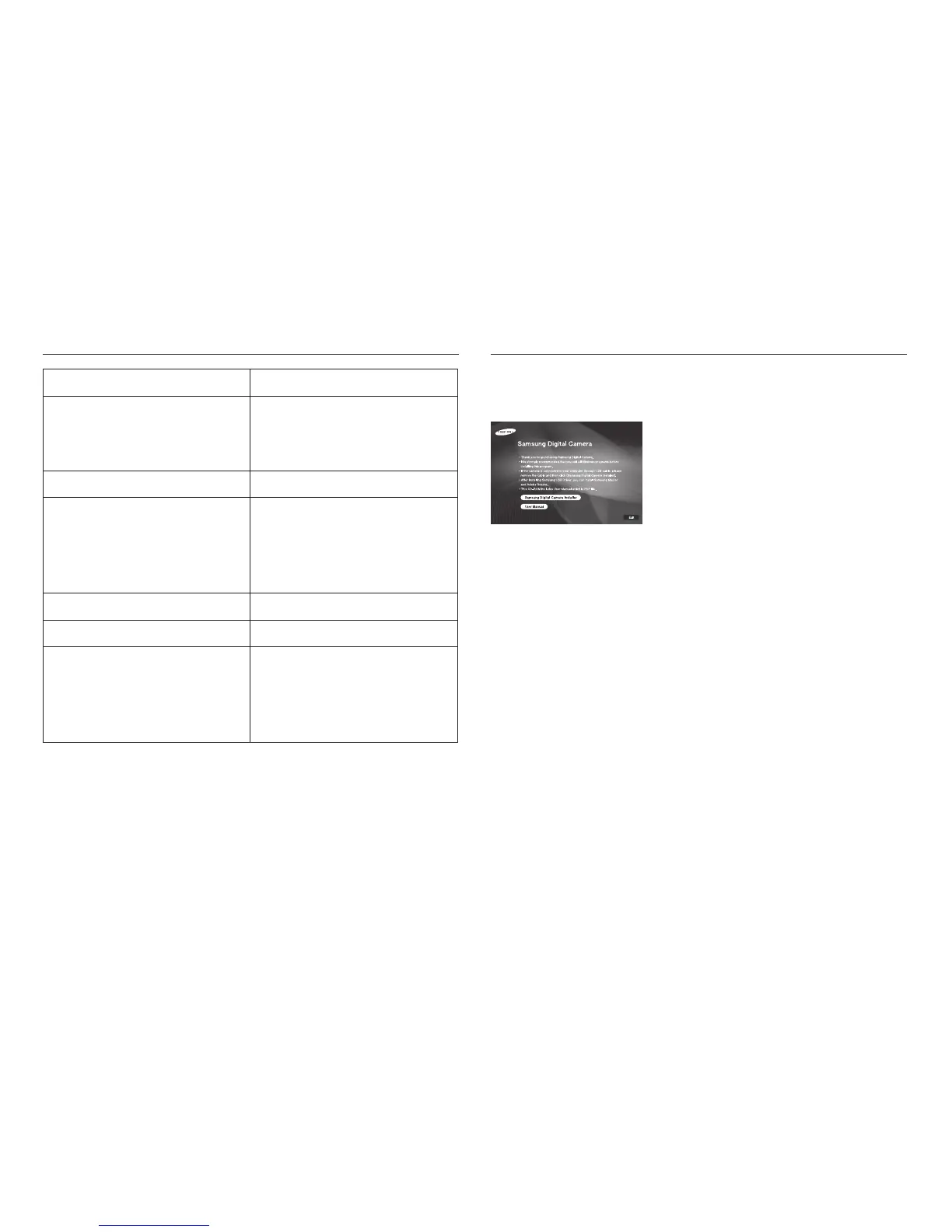
After inserting the CD-ROM provided with this camera into the CD-ROM drive,
the following window should automatically run.
<<
82
>>
System Requirements About the software
For Windows For Macintosh
PC with processor better than
Pentium II 450MHz (Pentium 800MHz
recommended)
Power Mac G3 or later
Windows 98SE/2000/ME/XP/Vista Mac OS 10.1 ~ 10.4
Minimum 128MB RAM
(512MB recommended)
200MB of available hard disk space
(1GB recommended)
Minimum 64MB RAM
(256MB recommended)
110MB of available hard-disk space
USB port USB port
CD-ROM drive CD-ROM drive
1024x768 pixels, 16-bit color display
compatible monitor (24-bit color
display recommended),
Microsoft DirectX 9.0 or later
Before connecting the camera to the PC, you
should first install the camera driver.
■ Camera driver : This enables images to transfer between the camera
and PC.
This camera uses the USB Storage Driver as the camera driver. You can use
the camera as a USB card reader. After installing the driver and connecting
this camera to the PC, you can find [Removable Disk] in [Windows Explorer]
or [My Computer]. A USB Storage Driver is provided only for Windows.
A USB Driver for MAC is not included with the Application CD.
You can use the camera with Mac OS 10.1 ~ 10.4.
■ XviD codec : This allows movie clips (MPEG-4) recorded with this
camera to be played back on a PC.
To play back a movie clip recorded with this camera, you must install the XviD
codec. If a movie clip recorded with this camera does not play well, install this
codec. This software is only compatible with Windows.



 To Next Page