<<
70
>>
Setup menu ( ) Setup menu ( )
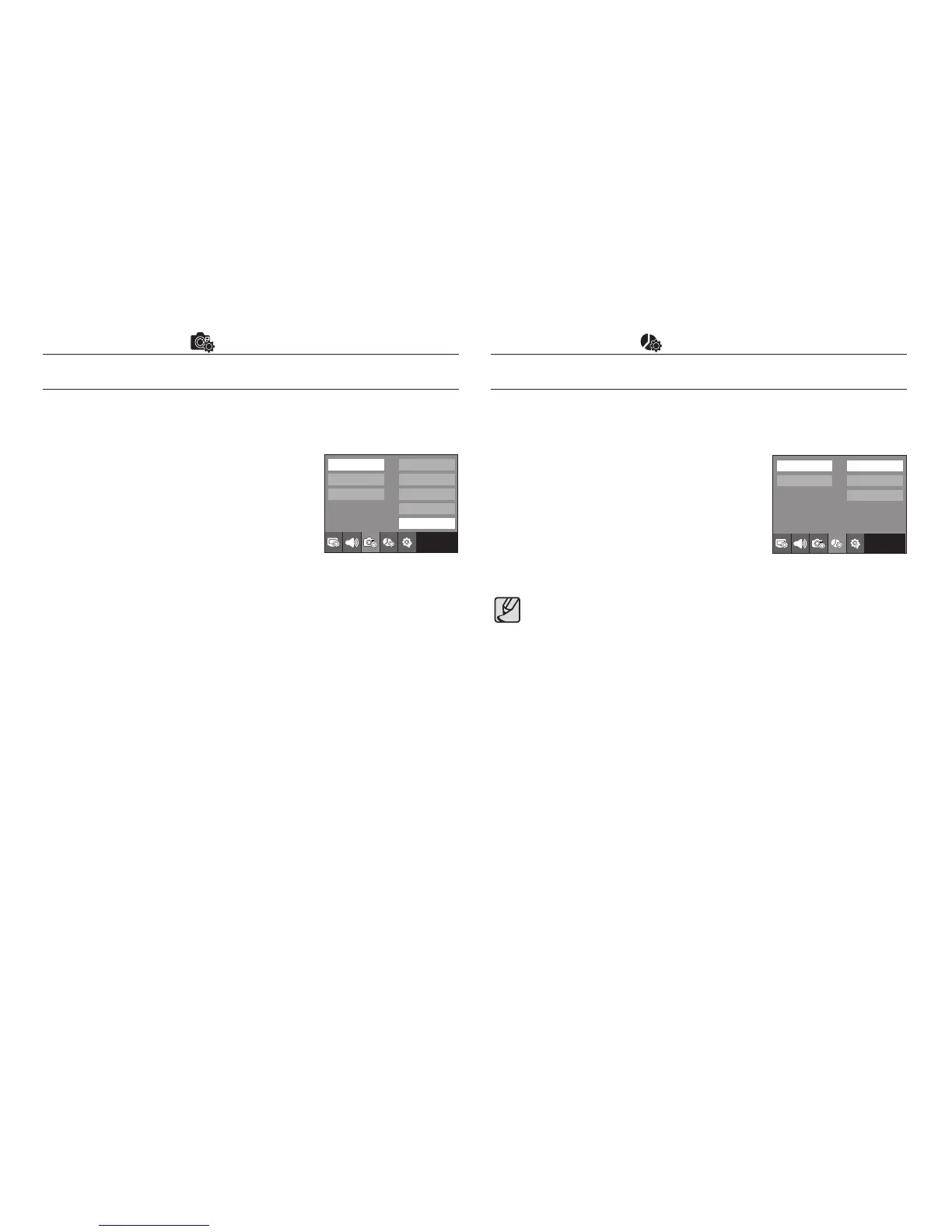
Imprinting the recording date
There is an option to include DATE / TIME on still images.
- Sub menus
[Off] : The DATE & TIME will not be
imprinted on the image file.
[Date] : Only the DATE will be imprinted
on the image file.
[Date&Time] : The DATE & TIME will be
imprinted on the image file.
The Date & Time are imprinted at the bottom right side of the still image.
The imprint function is applied only to still photos except for the photos
taken in the [TEXT] scene mode.
Depending on the manufacturer and print mode, the date printed on an
image may not be printed correctly.
Copy To Card
This enables you to copy image files, movie clips and voice recording files
to the memory card.
[No] : Cancels “Copy to Card”.
[Yes] : All images, movie clips and voice
recording files saved in the internal
memory are copied to the memory
card after the [Processing!] message is
displayed.
File
Self Portrait
AF Lamp
Quick View
Imprint
Exit:BACK
Off
Date
Date & Time
Copy to Card
Delete All
Format
Exit:BACK
No
Yes
● When this menu is selected without inserting a memory card, you can
select the [Copy To Card] menu but the menu can’t be run.
● If there is not enough space available in the memory card to copy
saved images in the internal memory (20MB), the [Copy To Card]
command will copy only some of the images and display [Memory
Full!] message. Then the system will return to the playback mode.
Please be sure to delete any unnecessary files in the internal
memory to free up space before inserting the memory card into the
camera.
● When you move the images that are stored in the internal memory to
the memory card, the next number of file names will be created in the
card to avoid duplication of the file name.
- When the [Reset] of the [File] setup menu is set : The copied file
names start from after the last stored file name.
- When the [Series] of the [File] setup menu is set : The copied file
names start from after the last captured file name. After completing
[Copy To Card], the last stored image of the last copied folder is
displayed on the LCD monitor.



 To Next Page