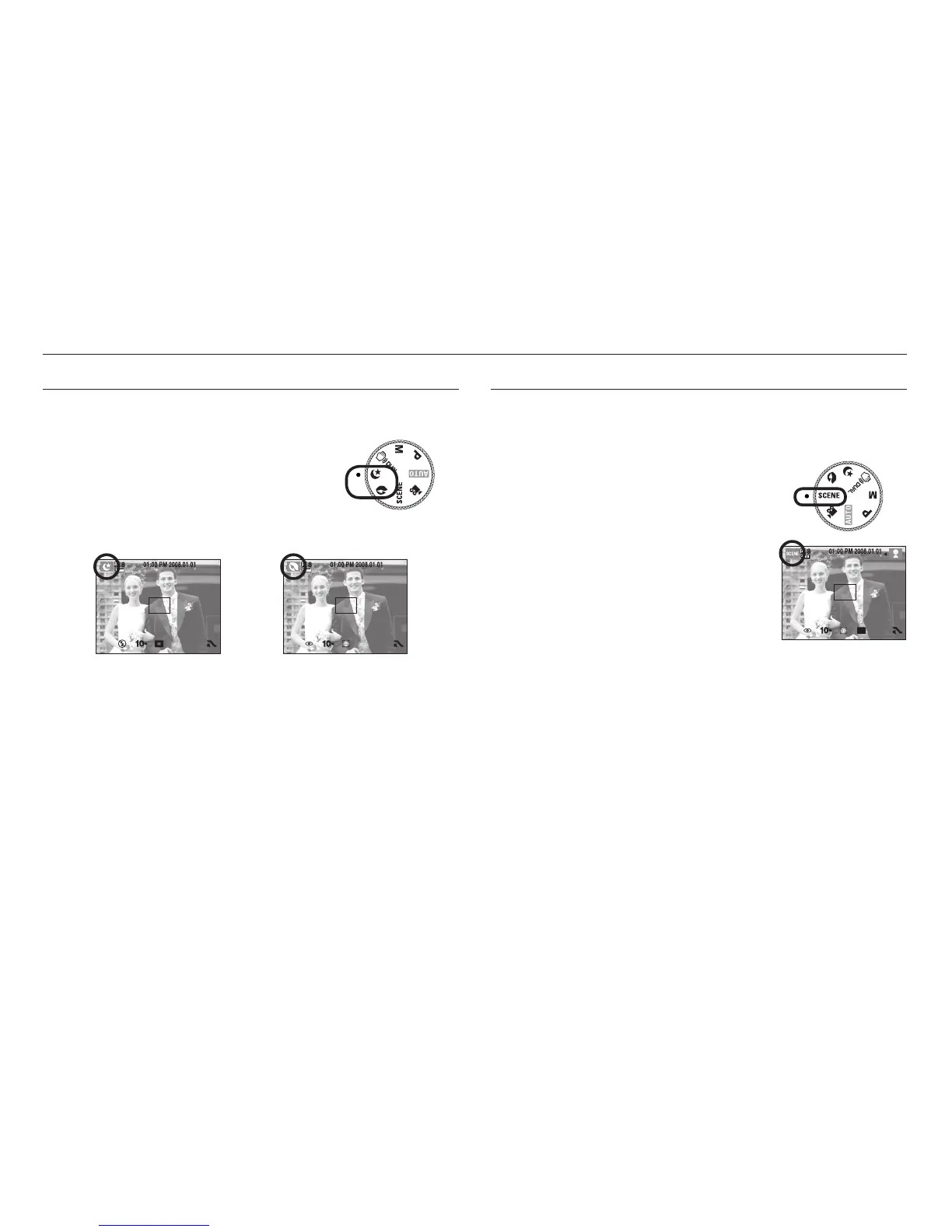
Night, Portrait scene mode
Select a desired mode by rotating the mode dial.
- Night : Use this for shooting still images at night
or in other dark conditions.
- Portrait : To take a picture of a person.
How to use the SCENE mode
Use the menu to easily configure optimal settings for a variety of shooting
situations. Select the SCENE mode by rotating the mode dial.
[NIGHT mode] [PORTRAIT mode]
<<
23
>>
Starting the recording mode
Refer to page 46 for more information
about the menus.



 To Next Page