<<
46
>>
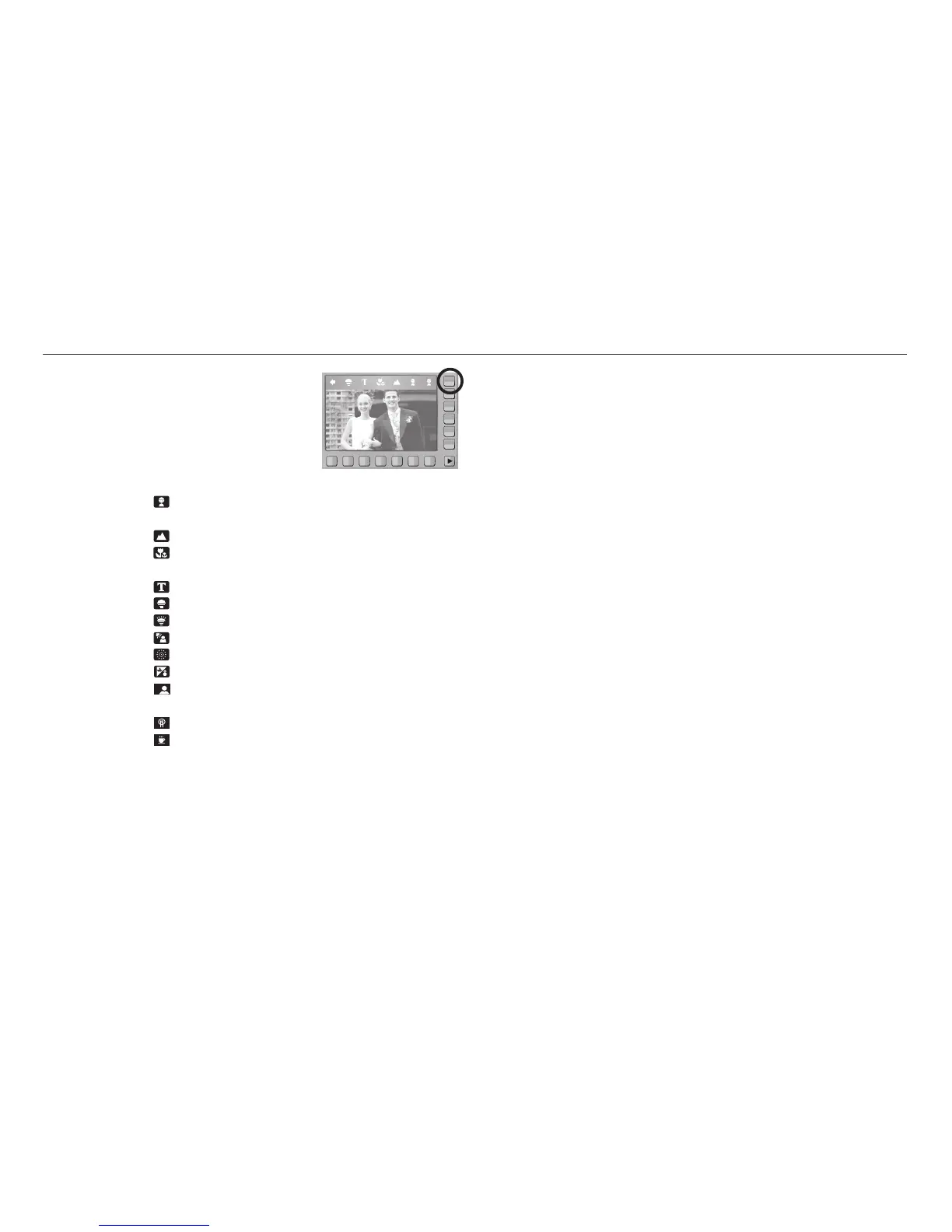
Scene menu
[CHILDREN] ( ) : To take a picture of fast moving objects, for example,
children.
[LANDSCAPE] ( ) : To take pictures of distant scenery.
[CLOSE UP] ( ) : Close-up shooting for small objects such as plants
and insects.
[TEXT] ( ) : Use this mode to shoot a document.
[SUNSET] ( ) : For taking pictures of sunsets.
[DAWN] ( ) : Daybreak scenes.
[BACKLIGHT] ( ) :
For portraits without shadows caused by backlighting.
[FIREWORK] ( ) : Firework scenes.
[BEACH&SNOW] ( ) : For ocean, lake, beach and snow scape scenes.
[SELF SHOT] ( ) : Use when the photographer would also like to be in
the picture.
[FOOD] ( ) : For taking delicious looking food.
[CAFÉ] ( ) : For taking pictures of cafe and restaurant.
Use the menu to easily configure optimal settings
for a variety of shooting situations.



 To Next Page