<<
45
>>
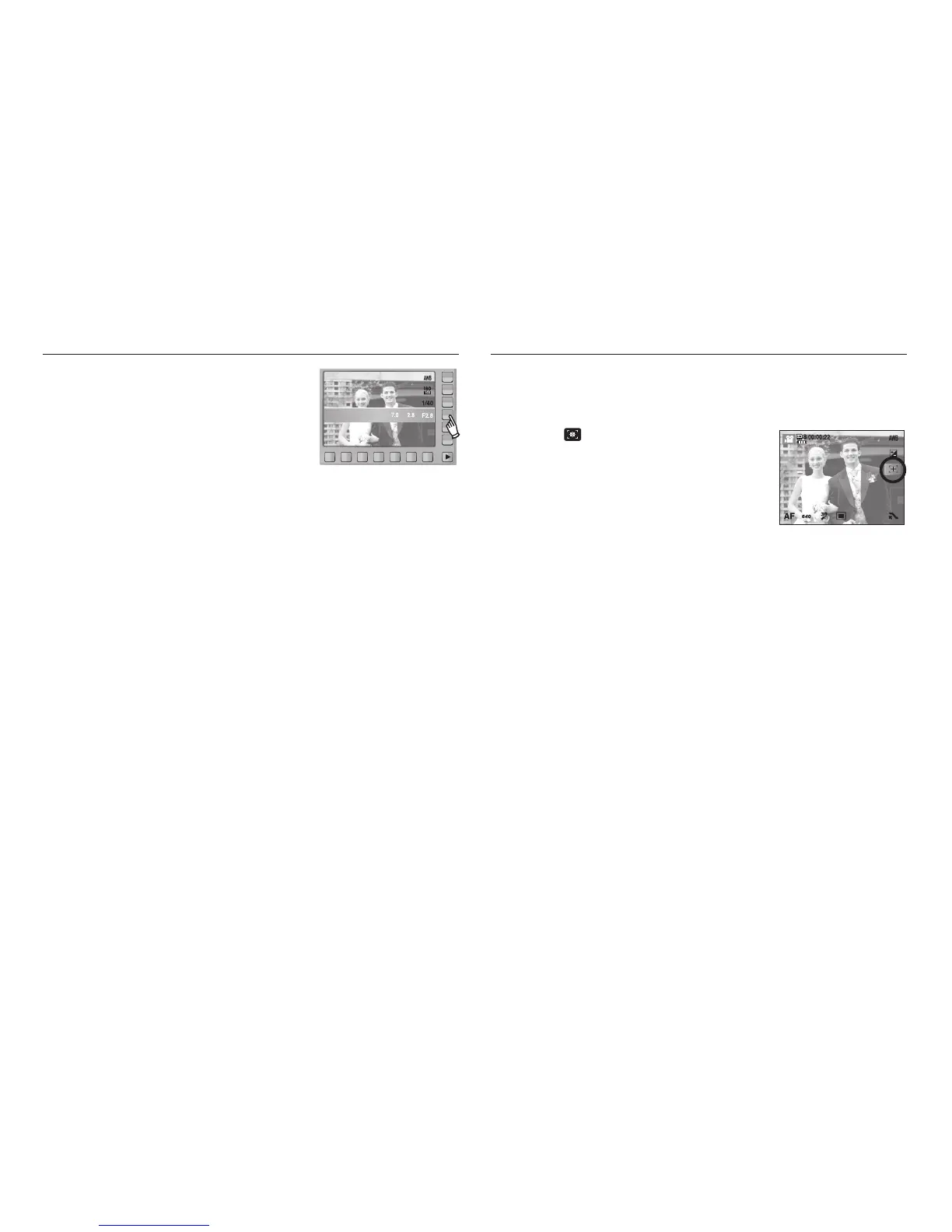
Aperture Value Movie Clip frame stabiliser
This mode will set the aperture value for
automatic exposure in manual mode. Smaller
aperture values make the object sharp but blur
the background. Larger aperture values make
both the object and background sharp.
This function helps stabilize images captured during movie recording.
You can select this menu only in the MOVIE mode.
1. Select ( ) icon by pressing the smart
button to help stabilize images captured
during movie recording. Pressing the icon
again will cancel the function.
2. The recording frame range becomes narrow
when you select this menu.
STABILIZER



 To Next Page