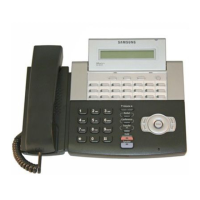
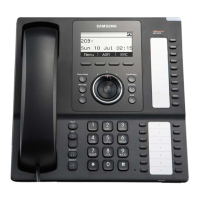
SMT-i5220 IP Phone User Manual
49
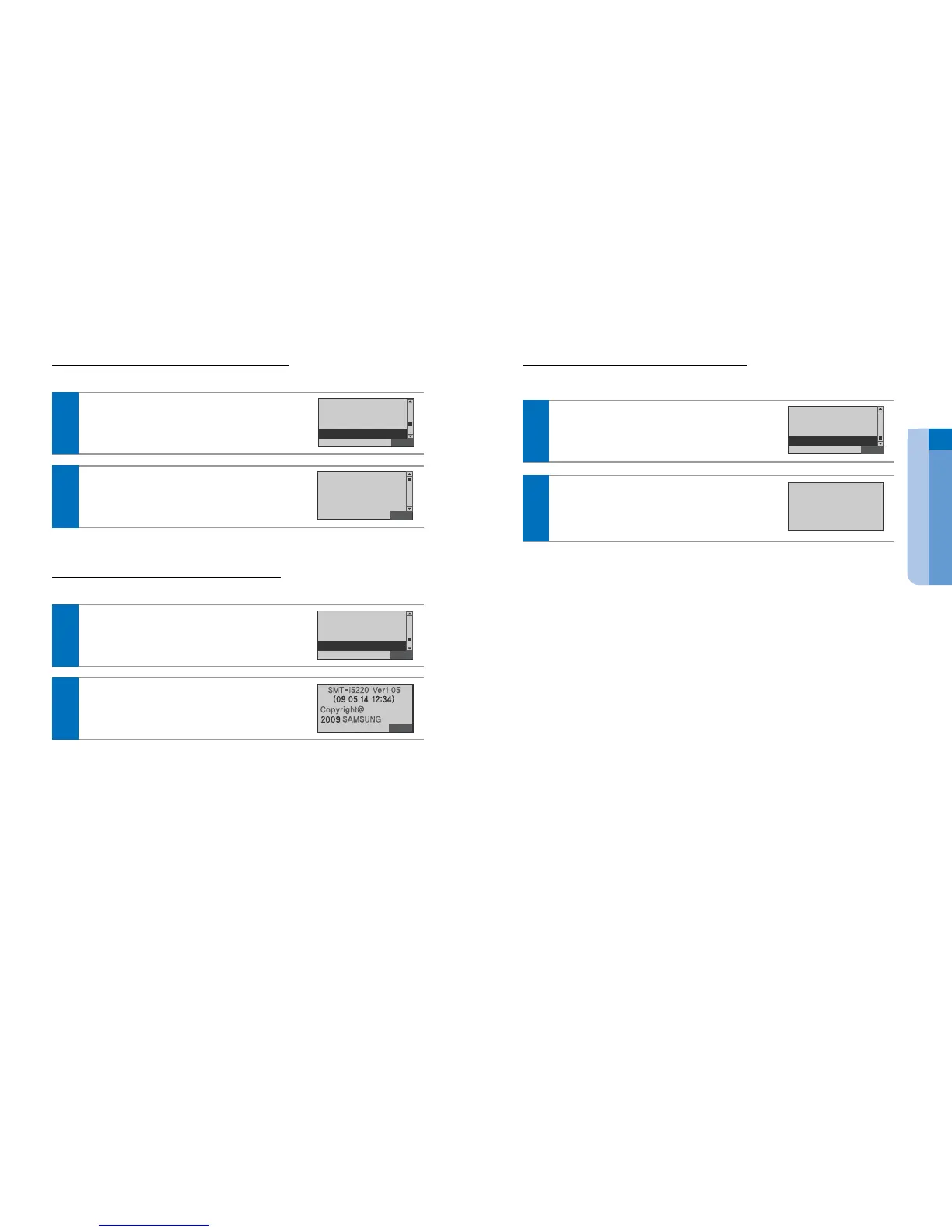
1 Phone Setting 8 Reset Phone
You can reset the phone to default condition.
In idle mode, press the Setting soft button.
Select the Phone Setting 8 Reset Phone
Press the Enter[OK] button.
Back
5 Lock Phone
6 Network Info.
7 Version Info.
8 Reset Phone
1
ⓒ
SAMSUNG Electronics Co., Ltd.
48
1 Phone Setting 6 Network Infor.
You can confirm the Network information.
In idle mode, press the Setting soft button.
Select the Phone Setting 6 Network Information
Press the Enter[OK] button.
Back
3 Screen
4 Language
5 Lock Phone
6 Network Info.
1
Enter the Password Press the Enter[OK] button.
The default password is “1234”.
You can show the Network Mode, IP, Subnet Mask,
Gateway, DNS1 and DNS informations.
Back
Mode : Static IP
IP : 23.30.152.246
SUBNETMASK :
[Network Info.]
2
1 Phone Setting 7 Version Infor.
You can confirm the IP Phone information.
In idle mode, press the Setting soft button.
Select the Phone Setting 7 Version Inf. Press
the Enter[OK] button.
Back
4 Language
5 Lock Phone
6 Network Info.
7 Version Info.
1
Show the IP Phone informations
2
Enter the Password Press the Enter[OK] button.
The default password is “1234”.
Wait for a minute.
[Reboot Phone]


 To Next Page