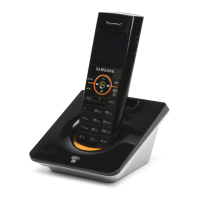
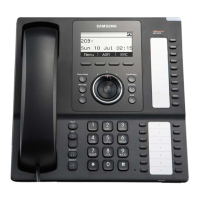
SMT-i5220 IP Phone User Manual
11
ⓒ
SAMSUNG Electronics Co., Ltd.
10
Easy Installation for activation
You can set up the network, IP address and system server information settings for activation easily.
After connecting power to the product, the Activation
screen is displayed.
Select the 1 Easy Install, and press the Enter[OK]
button.
End
1 Easy Install
2 System Info
3 Network Setting
4 IDLE mode Seting
Initial Environment Settings for Activation
1
Once you connect the phone to its power source, a start-up process begins. After several minutes, the
phone’s LCD screen displays the Initial Environment Settings screen for Activation.
Or press and hold [✽] button while in booting the phone to enter the Initial Environment Settings for
Activation screen.
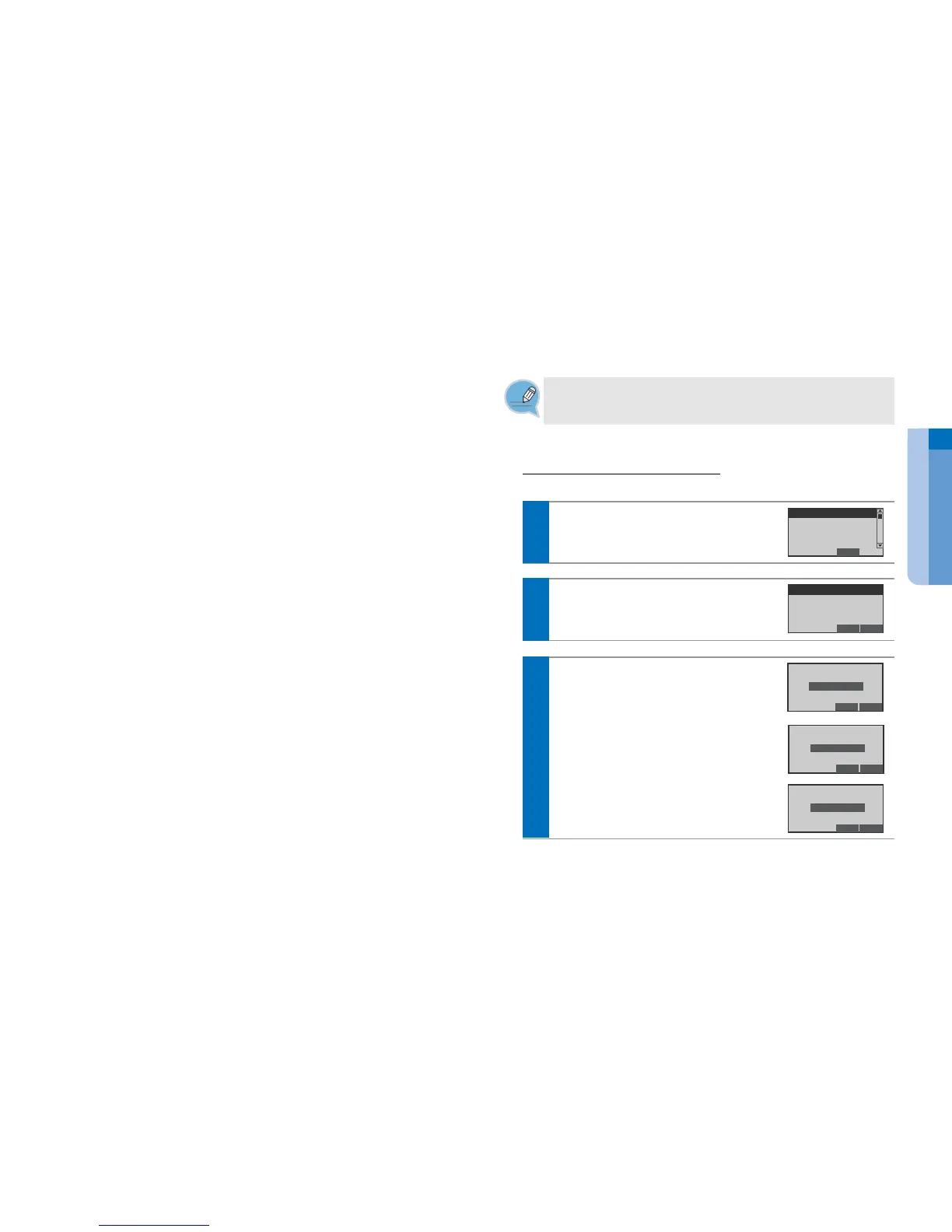
You can show the Network setting screen.
Select desired network mode, and press the
Enter[OK] button.
End Back
1 Static IP
2 Dynamic IP
3 PPPoE
2
If the 1 Static IP.....
Enter the IP Address Subnet Mask Gateway
address, and press the Enter[OK] button.
- The Network information inquires to administrator.
Del. Back
165.213.109.2
Enter IP Address
Del. Back
255.255.255.0
Enter Subnet Mask
Del. Back
255.255.255.0
Enter Gateway


 To Next Page