A-4
Appendix A
Processor and Interface Card LED Indications
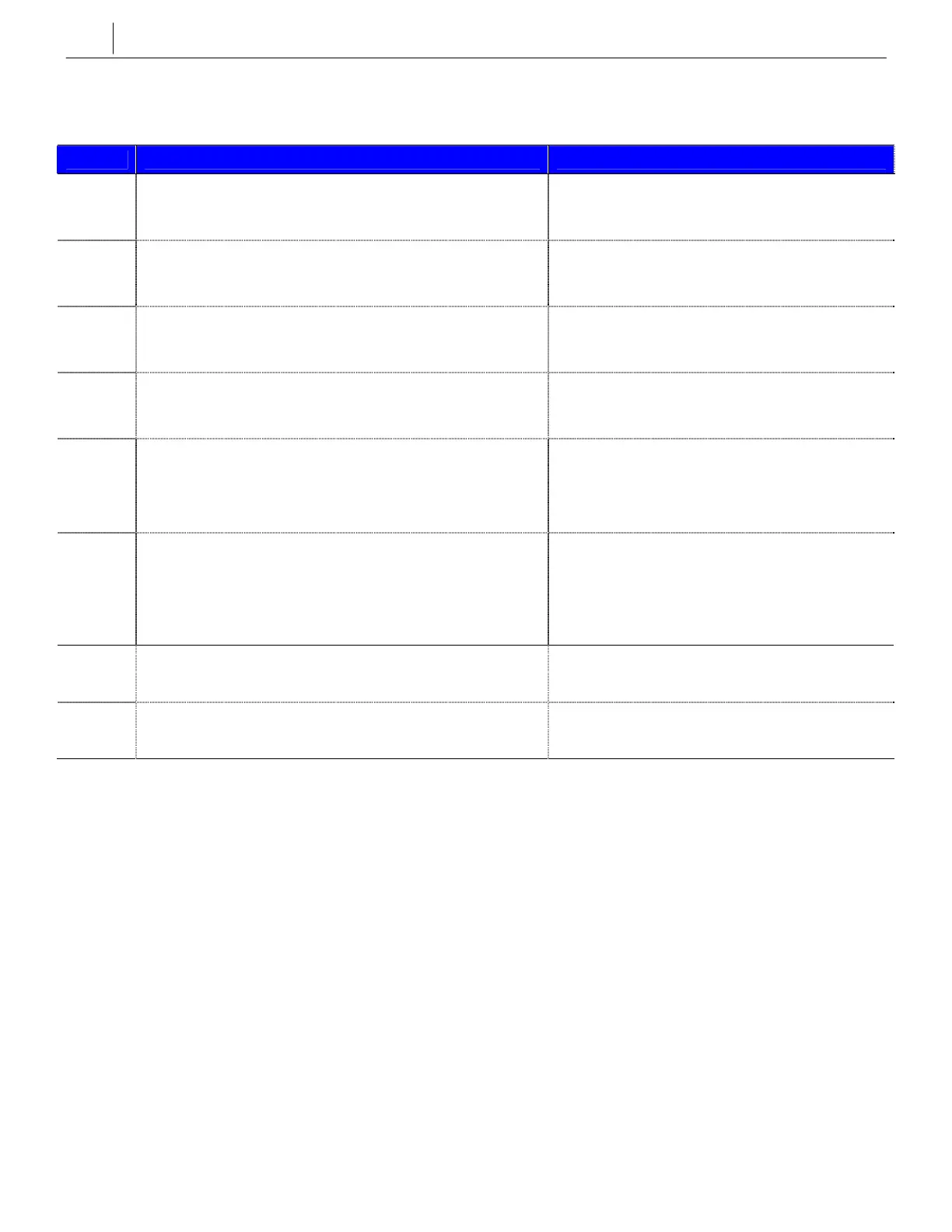
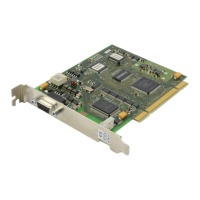
MGI2 Card
LED Function Status
PWR
Displays the power authorization status.
ON: Power is authorized to the MGI card
OFF: Power is not authorized to the MGI card
RUN
Displays the operating status of the MGI card.
Flicker: The MGI card is operating normally
OFF: The MGI card is not operating normally
RX
Displays reception of data through Ethernet.
Flicker: Data is being received
OFF: Data is not being received
TX
Displays transmission of data through Ethernet.
Flicker: Data is being transmitted
OFF: Data is not being transmitted
SRV
Displays if service is possible.
ON: Service is possible
OFF: Service is not possible
Flicker: Program is being modified or configura-
tion is being downloaded
DSP Displays if the DSP channel is being used.
OFF: All channels are not in use
Flicker (400ms): 1 to 7 channels are in use
Flicker (200ms): 8 to 11 channels are in use
Flicker (100ms): 12 to 15 channels are in use
ON: All voice channels (16) are in use
IPC
Displays the IPC status between the MGI card and the
system.
Flicker: IPC is in normal status
OFF: IPC is not in normal status
MOD
Displays the operation status of the MGI card.
OFF: The card is booted and operating normally
ON: The card is not booted normally



 To Next Page