4-2
Chapter 4
Installing Processor and Interface Cards
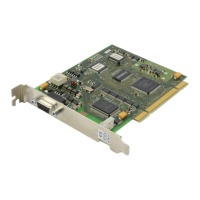
MAIN CONTROL PROCESSOR CARD DAUGHTERBOARDS
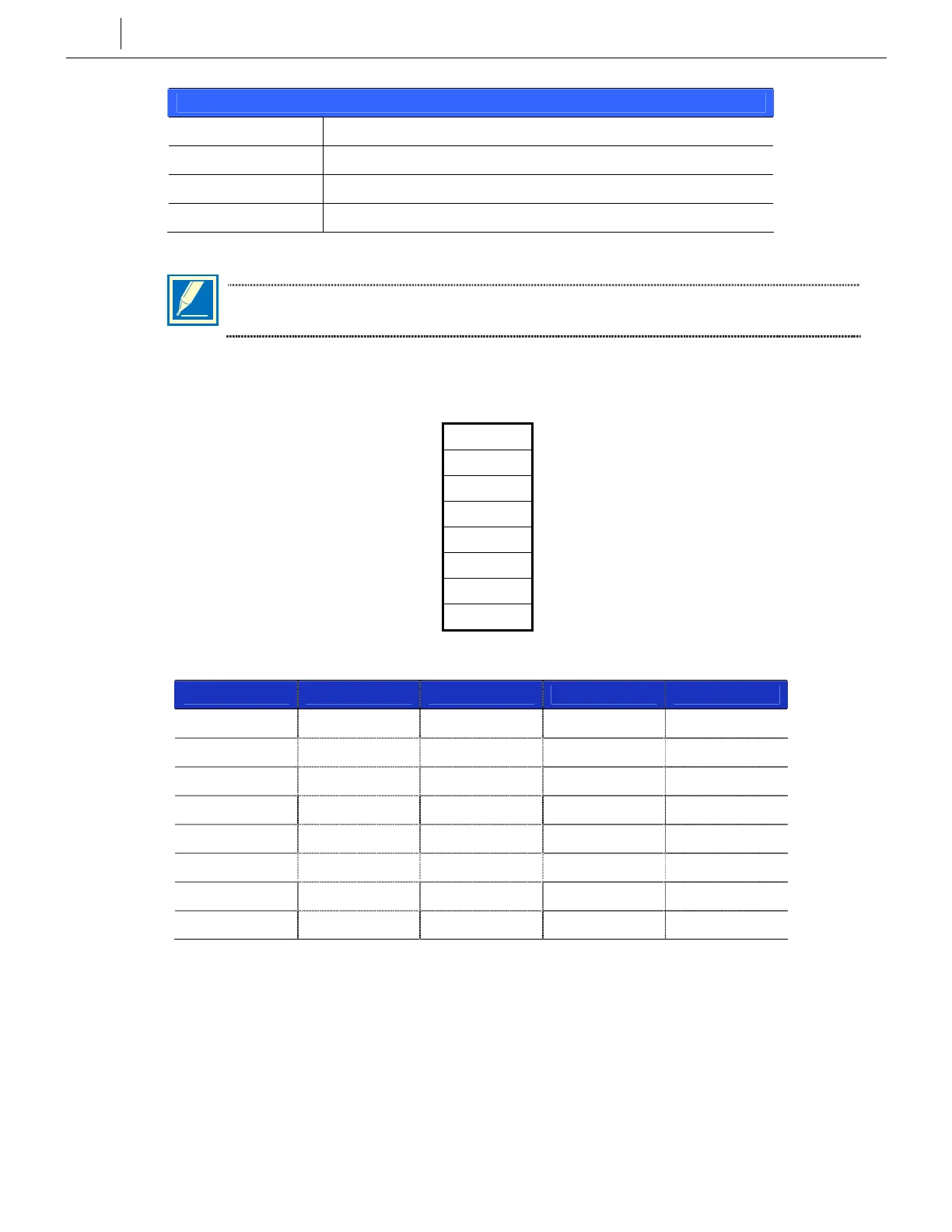
Position Type of Daughterboard Allowed
LOC1 MFM, SCM, RCM and ESM*
LOC2 MFM, SCM, RCM
LOC3 MFM, SCM, RCM and MISC
* The ESM must be installed in this position in a multiple cabinet (‘L’) system or any system running ‘L’ version software
NOTE: Only one of any given type of daughterboard may be installed on any one MCP2
card (e.g. only one MFM can be installed on one card).
DIP Switches on the MCP2 Card
ON (left) OFF (right)
Country Select SW1 Country Select
Country Select SW2 Country Select
Country Select SW3 Country Select
Country Select SW4 Country Select
Auto Program Download Enable SW5 Auto Program Download Disable
4 Digit Station Numbers SW6 3 Digit Station Numbers
4 Digit Station Groups SW7 3 Digit Station Groups
4 Digit Trunk Numbers SW8 3 Digit Trunk Numbers
Switches 1—4 select the country in which the system is installed.
Country 1 2 3 4
UK OFF ON OFF OFF
Italy ON ON OFF OFF
Australia OFF OFF ON OFF
Holland OFF ON ON OFF
Denmark ON ON ON OFF
New Zealand ON OFF ON OFF
Korea OFF OFF OFF OFF
USA ON OFF OFF OFF
y Switch 5 selects if Auto Program Download (APD) is enabled. If enabled (ON), a check is
made on the current system software version: if it does not match the SmartMedia card
software version, the SmartMedia version is downloaded to the system.
y These DIP switches will not take effect unless set in the required positions and the system
memory is cleared manually using the Memory Backup switch.



 To Next Page