You can repeat:
A specific track on a compact disc.
All tracks on the compact disc.
This function is not available when playing a disc in a random
sequence.
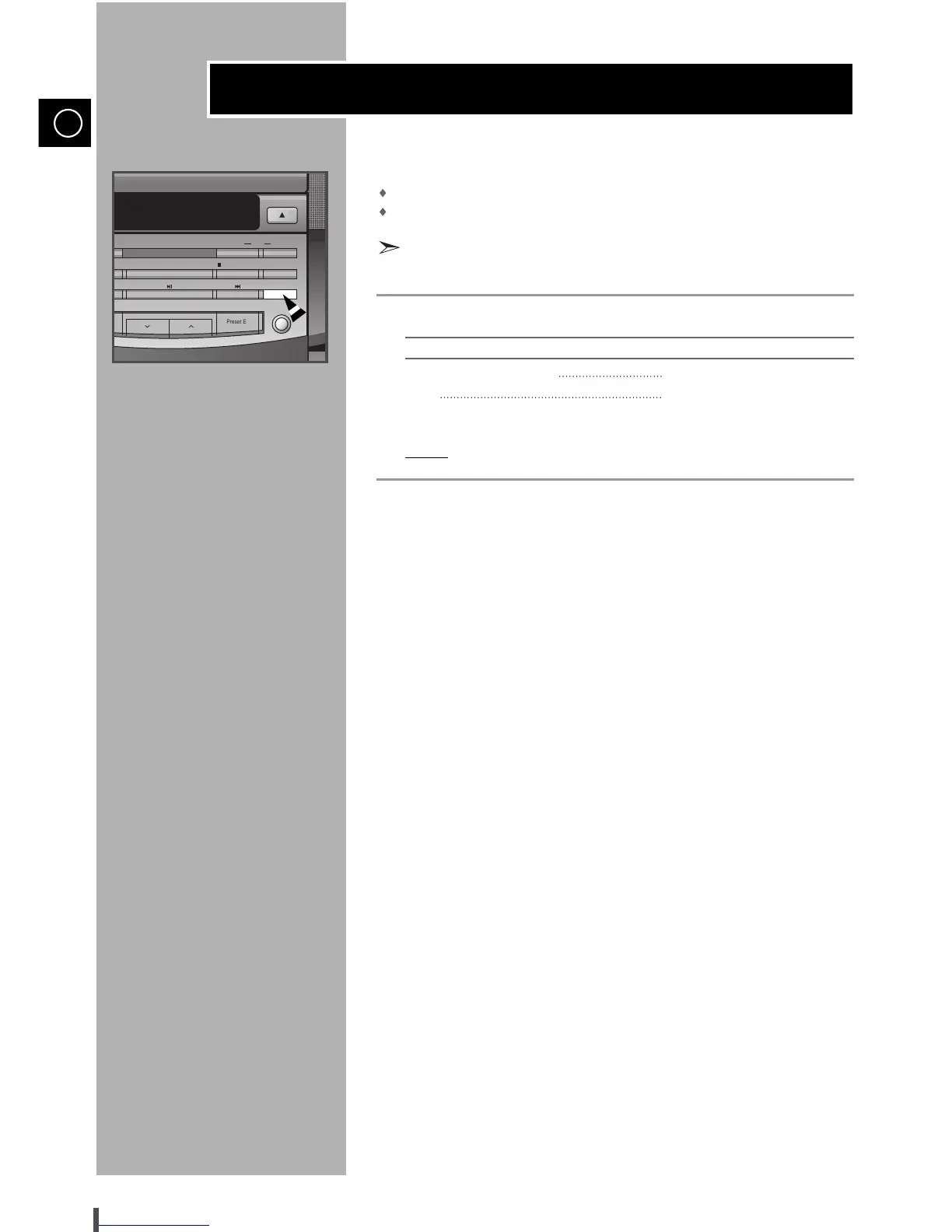
Press the Repeat button.
To repeat the... Press Repeat..
Current track indefinitely Once (RPT 1 is displayed)
Disc Twice (RPT ALL is displayed)
When you wish to stop the Repeat function, press Repeat a third time.
Result:
RPT OFF is displayed.
2
1


 To Next Page