You can check or change your selection of tracks at any time.
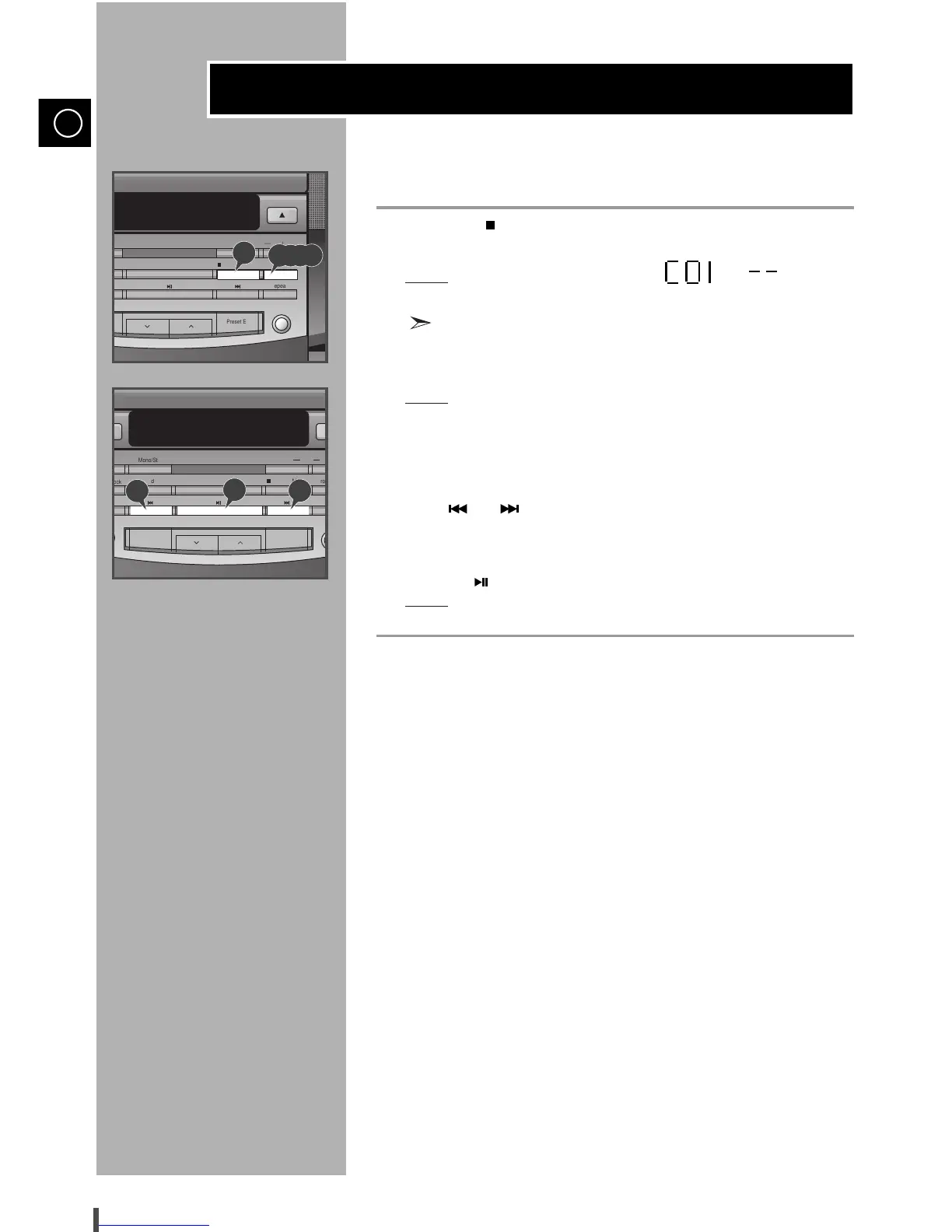
Press Stop ( ) once if you have started listening to the selection.
Press Prog./Set.
Result:
The following indications appear:
(C = Check, 01=Program NO., – – = Track No. on the disc)
If you have already programmed 24 tracks,
C is displayed instead of
P when you press Prog./Set.
Press Prog./Set again.
Result:
The first track selected is displayed, together with the letter C
(Change).
Press Prog./Set one or more times until the track to be changed is
displayed.
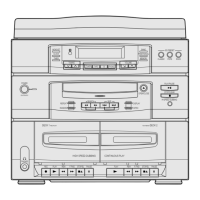
Press and to select a different track.
Press Prog./Set to confirm your change.
Press CD ( ) to start listening to the selection.
Result:
The first track selected is played.
Checking or Changing Programmed Tracks
GB


 To Next Page