7
GB
Setting the Clock
Your system is equipped with a clock which allows you to turn
your system on and off automatically. You should set the clock:
When you purchase the audio system
After a power failure
After unplugging the unit
Remember to reset the time when the clock changes from
winter to summer time and vice versa.
For each step, you have a few seconds to set the required options.
If you exceed this time, you must start again.
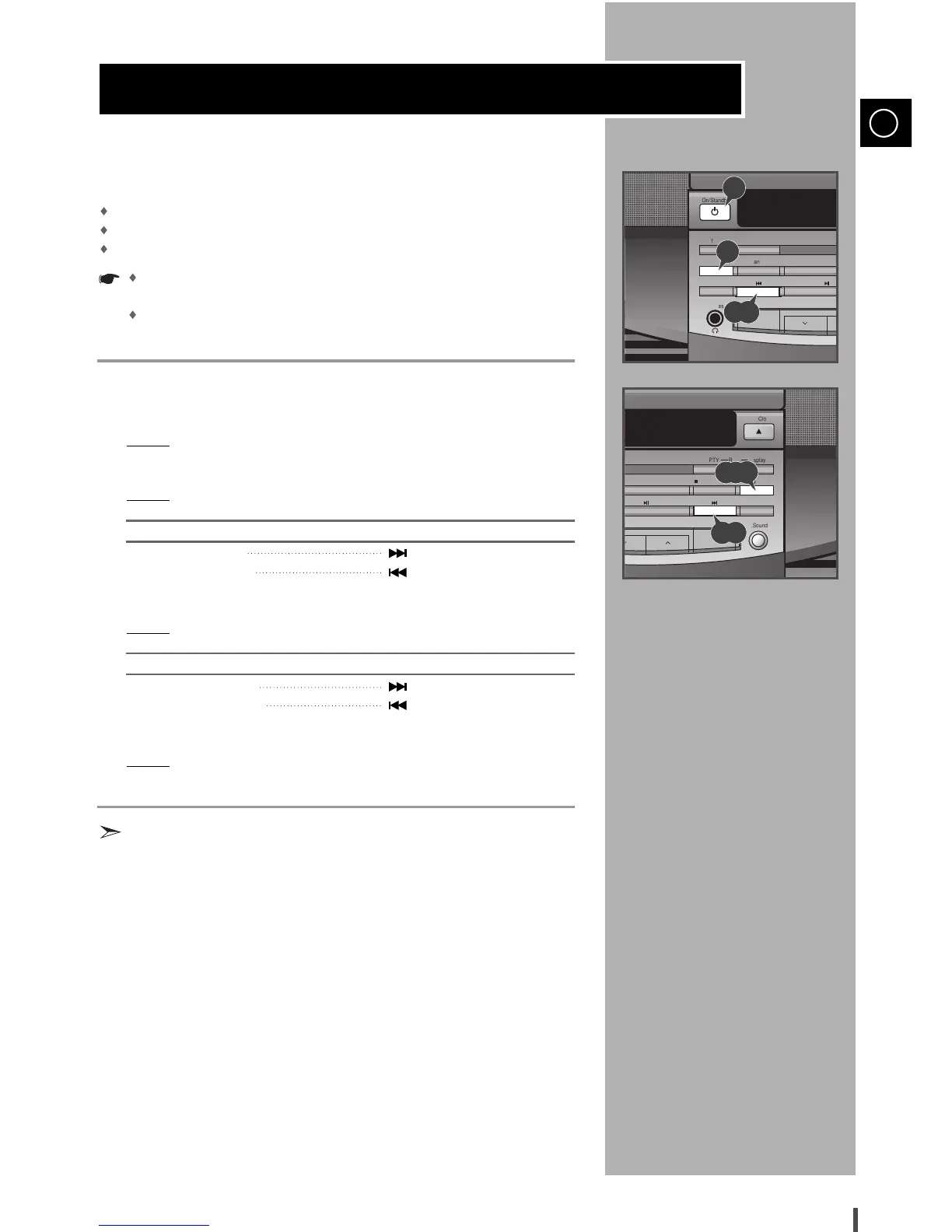
Switch the system on by pressing On/Standby.
Press Timer/Clock twice.
Result:
CLOCK is displayed.
Press Prog./Set.
Result:
The hour flashes.
To... Press...
Increase the hours
Decrease the hours
When the correct hour is displayed, press Prog./Set.
Result:
The minutes flash.
To... Press...
Increase the minutes
Decrease the minutes
When the correct time is displayed, press Prog./Set.
Result:
The clock starts and is displayed, even when the system is in
standby mode.
You can display the time, even when you are using another
function, by pressing Timer/Clock once.
1
2
3
4
5
6
7


 To Next Page