GB
6
How to connect a COAXIAL TYPE aerial.
Connect a 75Ω antenna to the FM antenna terminal.
Plug the connector on the FM aerial supplied into the coaxial socket (75Ω) marked FM on the rear of the system.
Follow the instructions given on Page 13 to tune into a radio station, and determine the best position for the aerial.
If reception is poor, you may need to install an outdoor aerial.
To do so, connect an outdoor FM aerial to the FM socket on the rear of the system using a 75Ω coaxial cable (not sup-
plied).
FM AERIAL
(supplied)
75Ω COAXIAL CABLE
(not supplied)
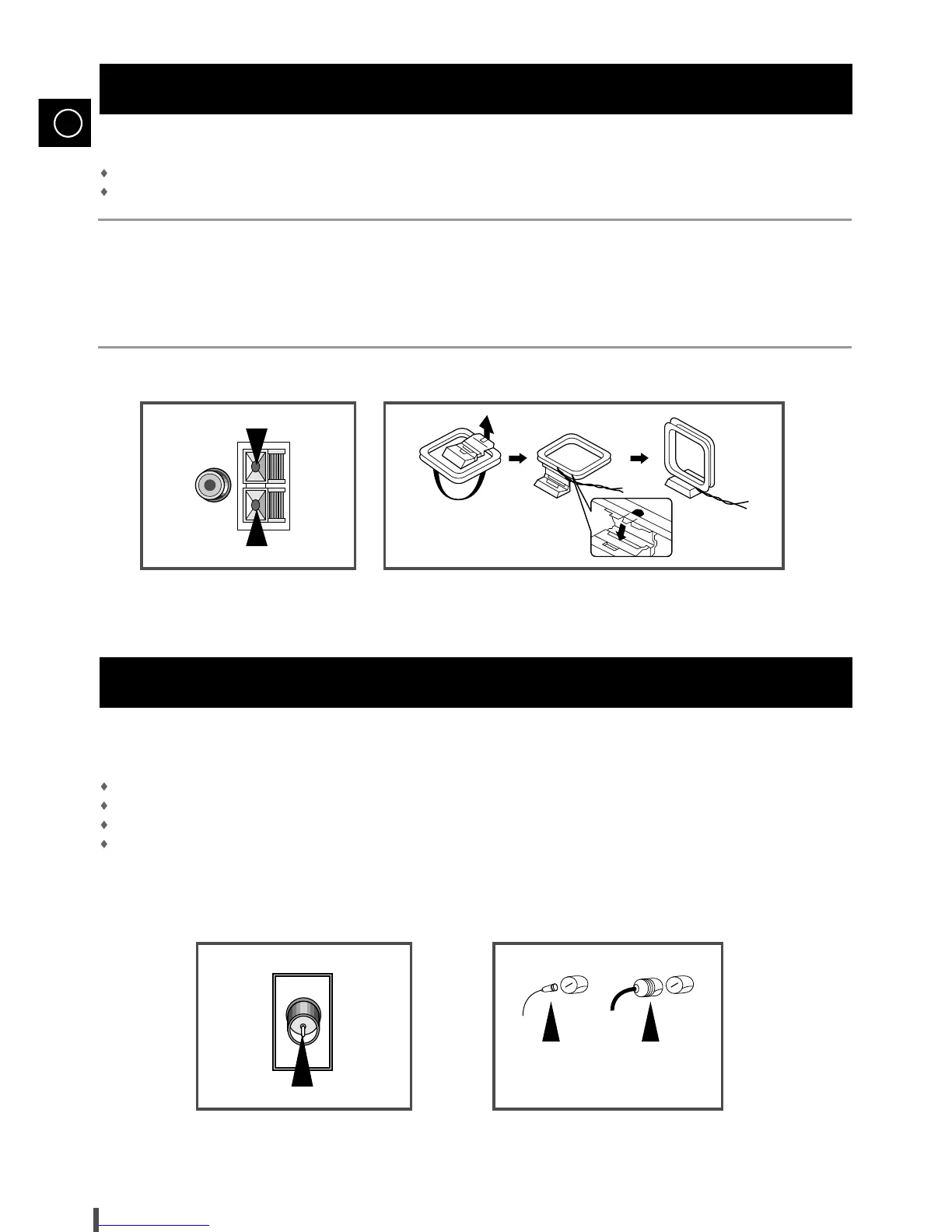
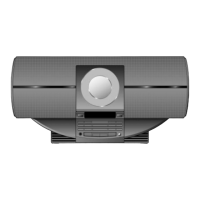
The AM aerial (for long and medium waves) can be:
Placed on a stable surface
Fixed to the wall (you must first remove the base)
To connect a wire, push the terminal tab downwards and hold it in position
Insert the wire, up to the plastic sheathing, in the hole.
Release the tab
Connecting the AM Aerial
Connecting the FM Aerial


 To Next Page