19
GB
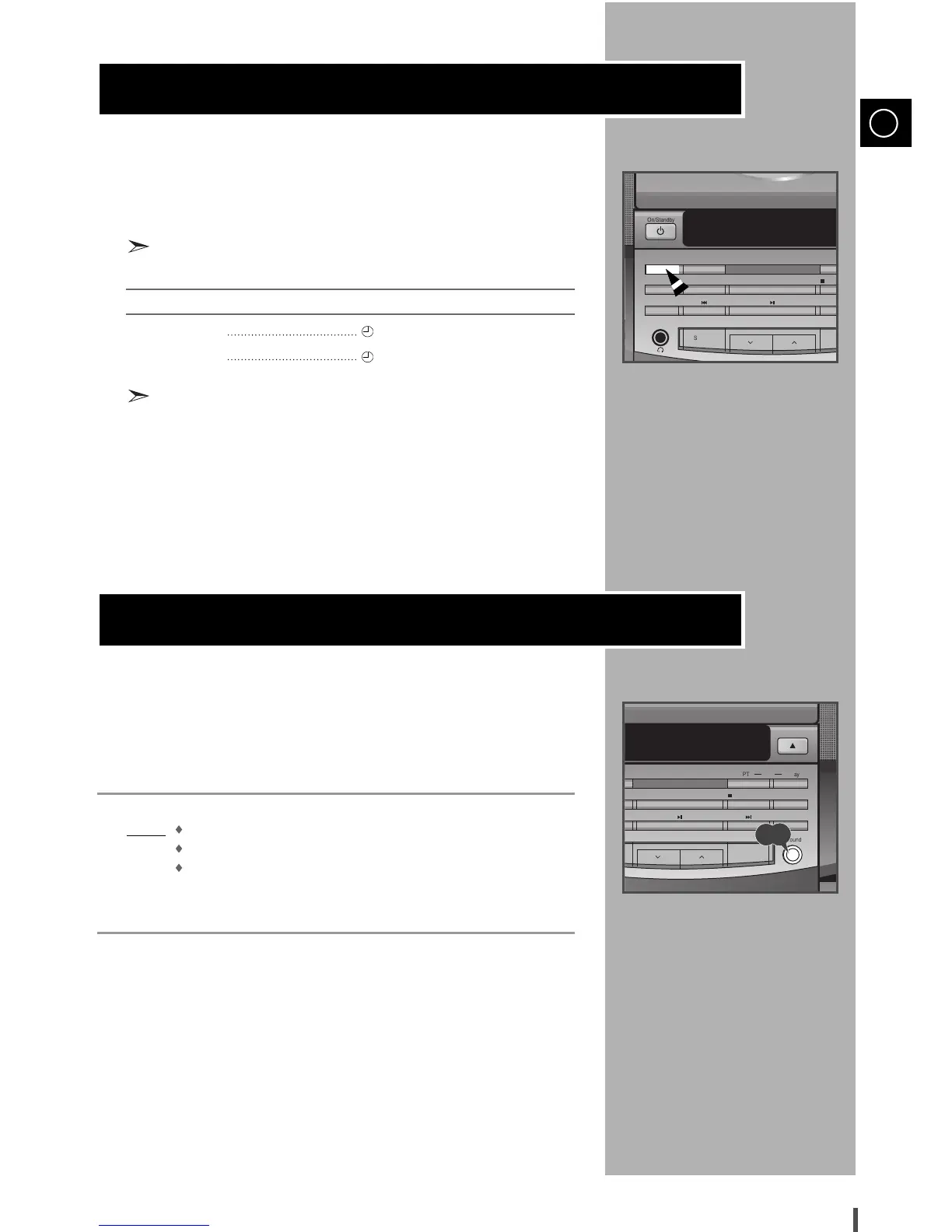
After having set the timer, it will start automatically as
shown by the TIMER indication on the display. If you no
longer wish to use the timer, you must cancel it.
You can stop the timer at any time (system on or in standby
mode).
To... Press Timer On/Off-Check...
Cancel the timer
XX is no longer displayed.
Restart the timer
XX is displayed again.
To switch to the Timer Check mode, press and hold the
Timer On/Off-Check button for a while.
Cancelling the Timer
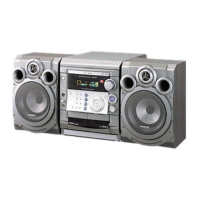
This audio system is equipped with the function of Power
Sound, which amplifies bass and improves high key or bass
twice as much for you to appreciate powerful real surround-
sound.
Press P. Sound button on the front panel.
Result
: The P. Sound button on the front panel lights up green.
P SOUND is displayed for a few seconds.
A more powerful resonant sound is diffused.
To cancel this function, press P. Sound again.
Power Sound Function


 To Next Page