15
GB
About RDS broadcasting
This unit has the RDS (Radio Data System) function, which
enables for the various information such as broadcasting sta-
tion, radio text, time and 17 types of programs (News, Rock,
Classic, etc.) to be received from the FM RDS station together
with normal radio signal.
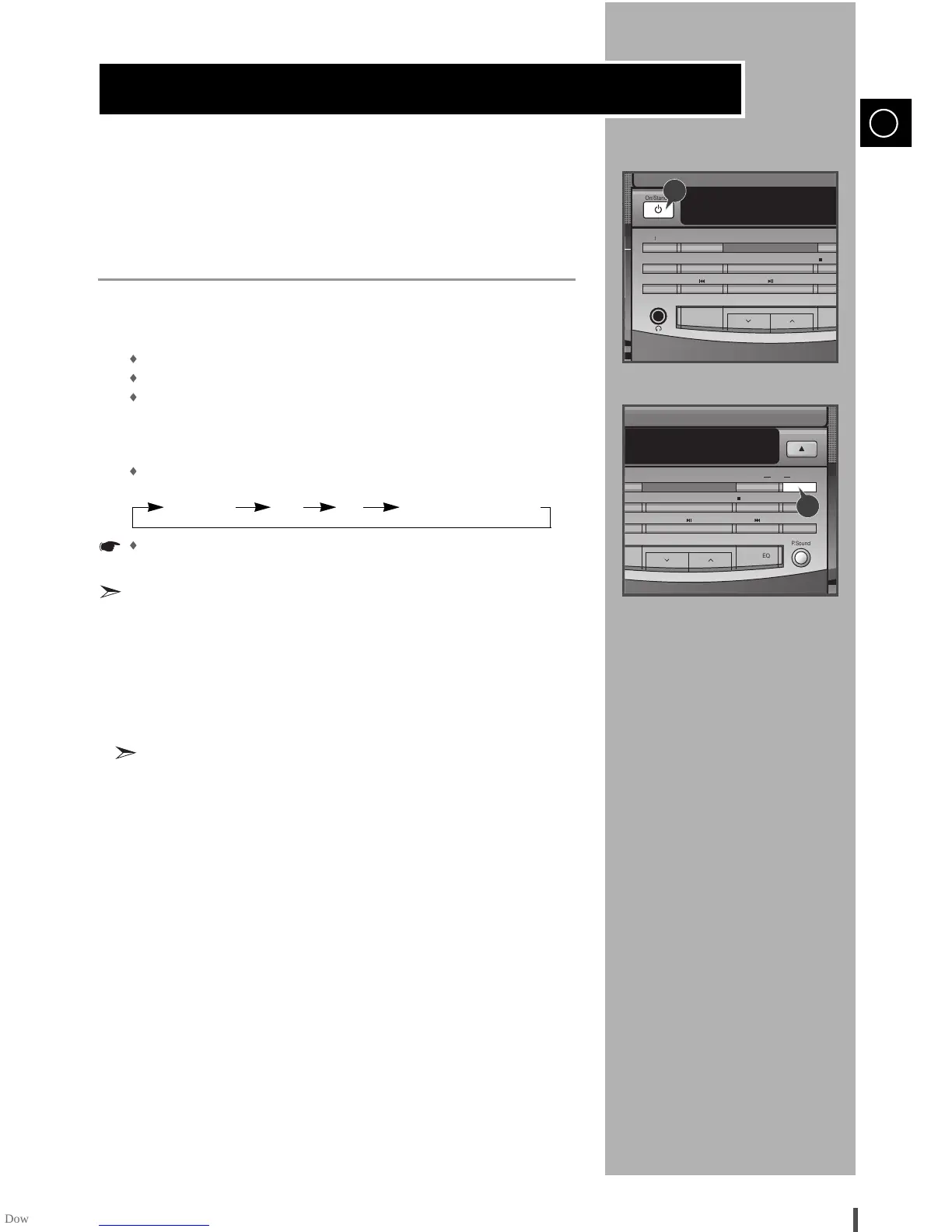
Press the On/Standby ON button.
Receive the FM radio.
See the radio receiving method on the page 13.
FM and frequency are shown on the display
If the received station transmit the RDS information, 'RDS' appears
automatically on the display.
Press the RDS Display button to select the desired RDS mode.
Whenever the button is pressed, RDS mode changes as follows.
PS NAME RT CT Current FM frequency
The RDS function is available only on FM broadcasts.
Description on RDS function
1. PTY (Program Type) : Displays the type of programme currently being
broadcast
2. PS NAME (Program Service Name) : Indicates the name of broadcast-
ing station and is decodes (if any) composed of 8 characters.
3. RT (Radio Text) : The text broadcast by a station and composed of
maximum 64 characters.
4. CT (Clock Time) : Decodes the real time clock from the FM frequency.
Some stations may not transmit PTY, RT or CT information therefore
this may not be displayed in all cases.
5. TP (Traffic Program) : Indicates that the turned station is capable of
transmitting traffic broadcasts.
6. TA (Traffic Announcement) : When this symbol flashes it shows that
the traffic announcement is in progress.
7. EON (Enhanced Other Networks Information) : Offers the RDS infor-
mation on other networks.
1
2
3


 To Next Page