10
"
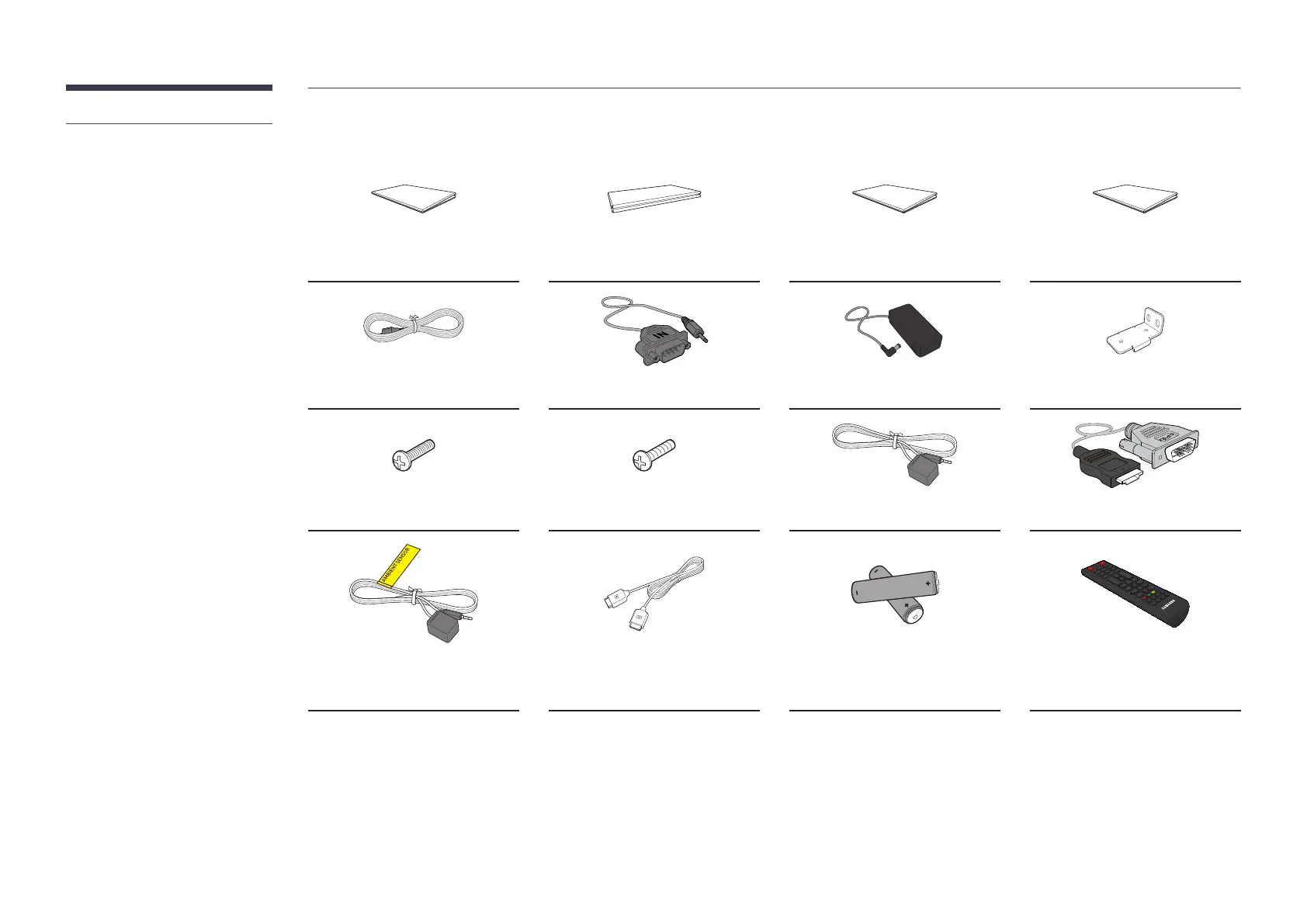
Contact the vendor where you
purchased the product if any
components are missing.
"
The appearance of the components
may differ from the images shown.
"
The RS232C adapter can be used to
connect using the D-SUB(9-pin) to
Stereo type RS232C cable.
"
Use either the back-side magnet or
the double-sided tape depending
on where you want to attach the
external ambient light sensor.
The warranty for adhesiveness of the
time-use only.
"
The external ambient light sensor is
marked with the label on the sensor
cable.
SBB-CV4B / SBB-CS4B
Simple User Guide
Warranty card
(Not available in some locations)
Regulatory guide
Waste Electrical & Electronic
Equipment
Power cord RS232C adapter AC/DC adapter Rack case mounting bracket x 2
Screw (M4 x L8) x 4 Screw (M5 x L12) x 4 External IR cable HDMI-DVI cable
External ambient light sensor
(Supported model: SBB-CS4B)
OCM cable x 4
Batteries (AAA x 2)
(Not available in some locations)
Remote Control





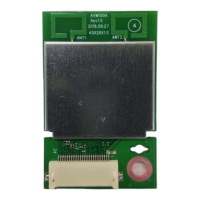




 To Next Page