19
Connecting and using devices
Chapter 03
Before Connecting
Pre-connection Checkpoints
"
Also refer to the user guide for the source device you want to connect with.
The number and location of ports available on the source device may vary.
"
Do not connect the power cable until all connections are completed.
Connecting the power cable during connection may damage the product.
"
Check the types of ports at the back of the product you want to connect.
For further information on connection of some ports,
refer to the installation guide.
Connecting to a PC
Do not connect the power cable before connecting all other cables.
Ensure you connect a source device first before connecting the power cable.
A PC can be connected to the product in a variety of ways.
Select a connection method suitable for your PC.
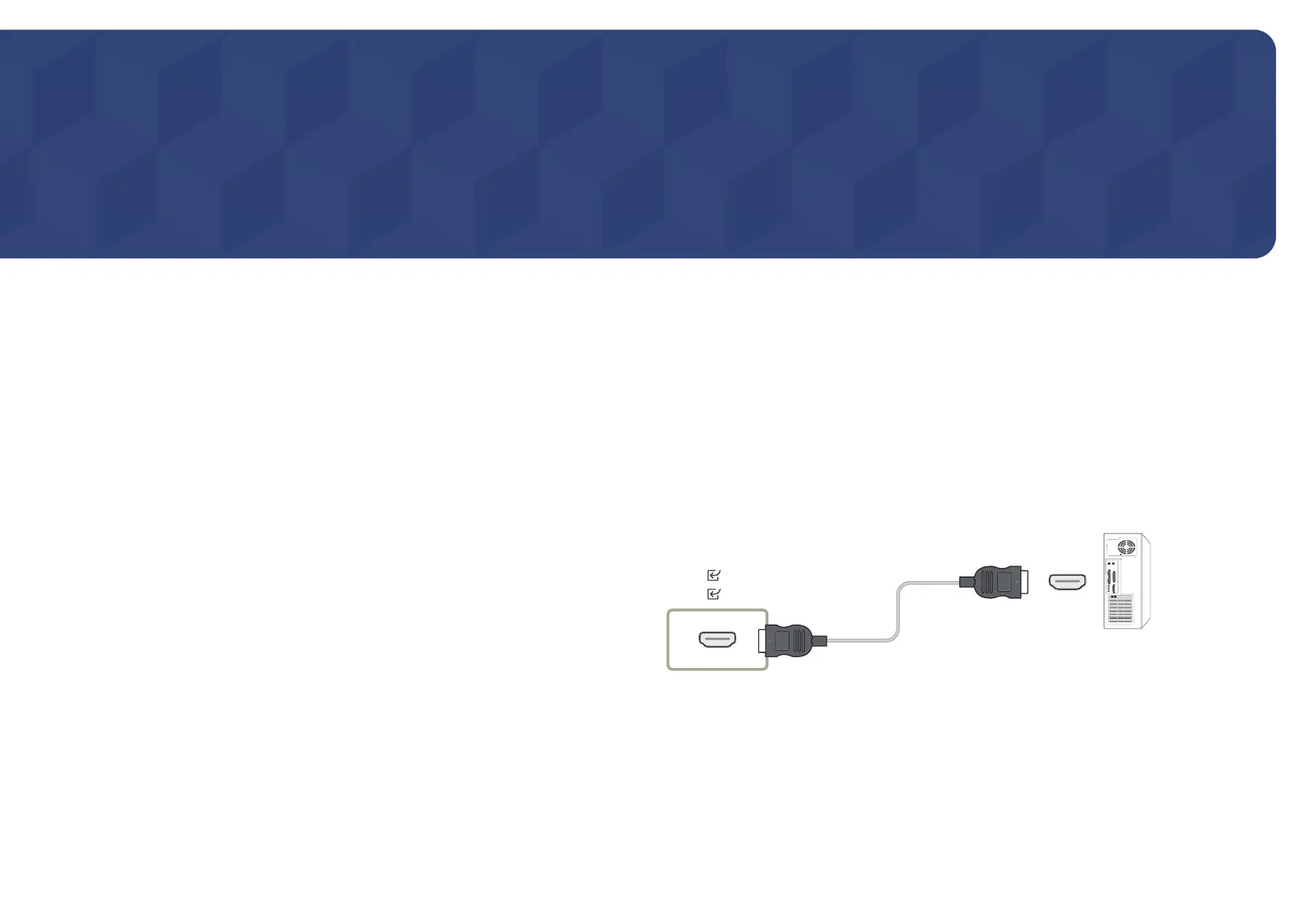
Connection Using an HDMI Cable
"
Connecting parts may differ in different products.
HDMI 1
HDMI 2










 To Next Page