25
Changing the Input source
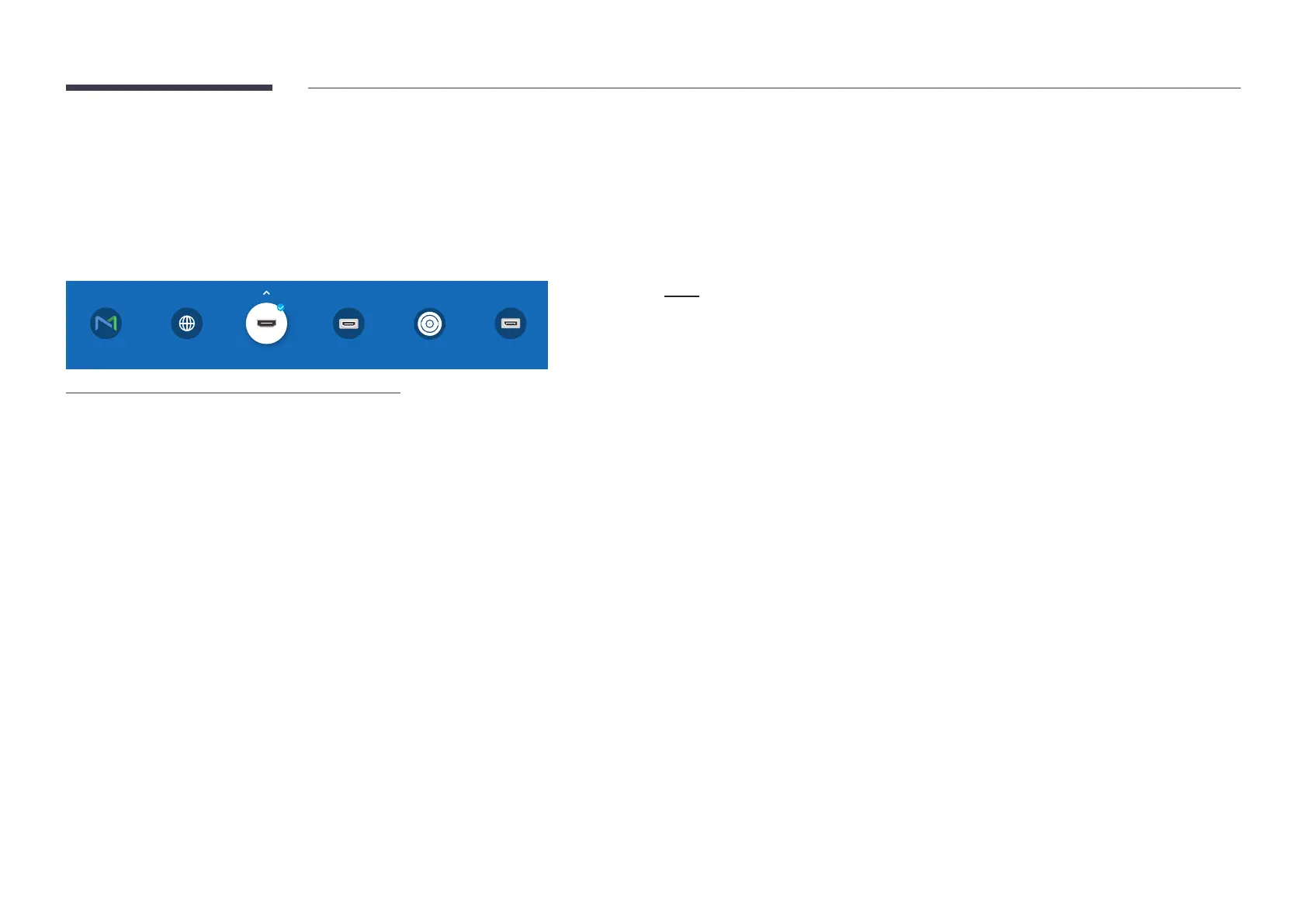
Source
sSOURCESource
Source
HDMI 1
DisplayPort
SDI
HDMI 2
MagicInfo S Web Browser
"
The displayed image may differ depending on the model.
Source allows you to select a variety of sources and change source device names.
You can display the screen of a source device connected to the product. Select a source from
source list to display the screen of the selected source.
"
The input source can also be changed by using the SOURCE button on the remote control.
"
The screen may not display correctly if an incorrect source is selected for the source device
you want to convert to.
Edit
sSOURCEuEditE
Edit the name and device type of a connected external device.
The list can include the following source devices (HDMI 1 / HDMI 2 / SDI / DisplayPort).
Source devices on the list differ depending on the selected source.
Cable Box / Game Console / PC / Blu-ray player
You cannot edit the following sources.
MagicInfo S









 To Next Page