35
Home feature
―
To use the Player feature, set Play via to MagicInfo in System.
Play a range of content such as channels with schedules assigned, templates or files.
Play channels or content using any of the following methods.
•
Network Channel: Play content using the server.
―
To run Network Channel, make sure the product is connected to the server.
•
Local Channel: Play content in internal memory or from external memory.
Player
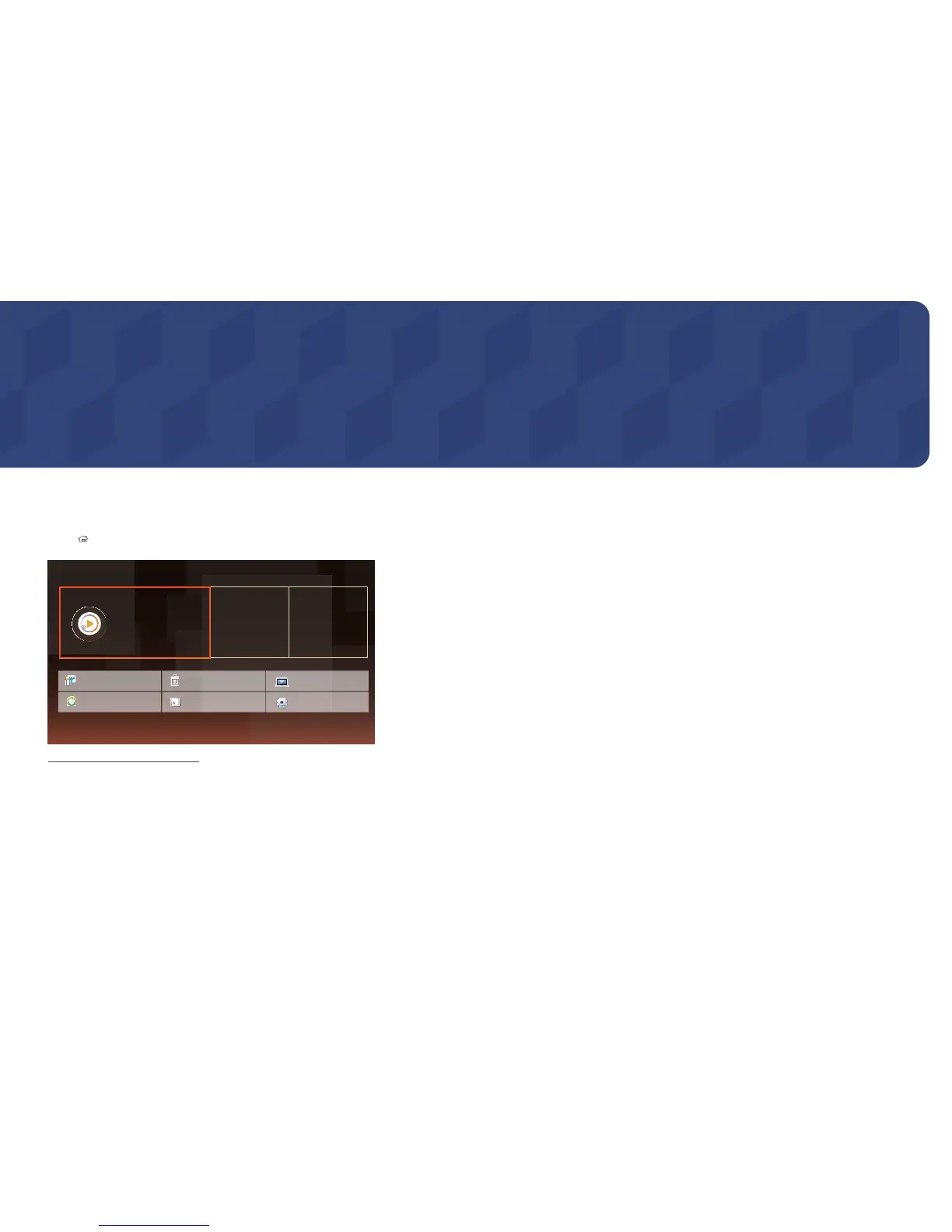
HOME → Player →ENTER E
Player
Play a variety of content, such as
scheduled channels, templates or files.
Clone Product
ID Settings
On/Off Timer Ticker
Network Status
More settings
Schedule Template
-
The displayed image may differ depending on the model.
This feature is provided in Support → Go to Home.
Accessible using the HOME button on the remote control.
Chapter 05
Signage Player



 To Next Page