44
When Content is Running
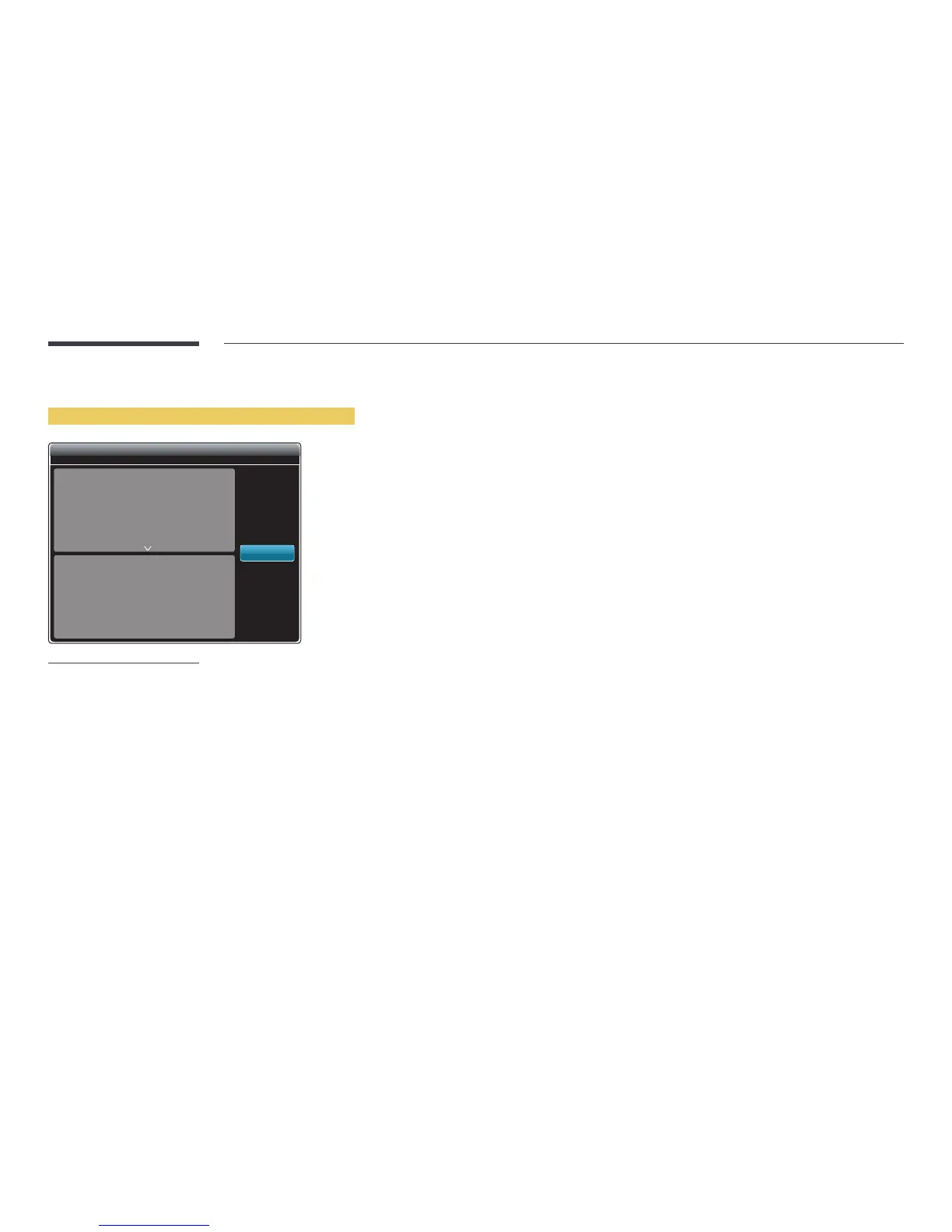
Viewing the details of the content that is running
No Schedule to download
Information
Current Time
Type:
CH Number:
CH Name:
Software Version:
00:00pm
Network Channel
No channels selected
No channels selected
DTP-EP-APP-5371
OK
-
The displayed image may differ depending on the model.
Press the INFO button on the remote control.
•
Current Time
•
Type: Type of channel currently playing
―
Only applicable during Network Channel / Local Channel playback.
•
CH Number: Number assigned to the channel currently playing
―
Only applicable during Network Channel / Local Channel playback.
•
CH Name: Name of the channel currently playing
―
Only applicable during Network Channel / Local Channel playback.
•
Software Version: Displays the software version of a device
•
MAC ID: Displays the original identification number of a device
•
Tags: Tag settings assigned to a device from the server
―
Only applicable during Network Channel / Local Channel playback.
•
Server: Displays the connection status (Connected, Not connected or Non-Approval) of the server
•
USB: Displays the connection status of a USB device



 To Next Page