40
Network Channel
Play content, templates and schedules configured on the server.
•
You can view whether the server is connected (approval) in the Player menu screen.
To view whether the server is connected when a Network Channel is running, press INFO on the remote.
1
Select Network Channel from the Player menu.
―
The No channel. message appears if no channel has been registered in Network Channel.
2
Network Channel will run.
Local Channel
Play a schedule or channel that was configured in the product.
1
Select Local Channel from the Player menu.
―
The No channel. message appears if no channel has been registered in Local Channel.
2
Local Channel will run.
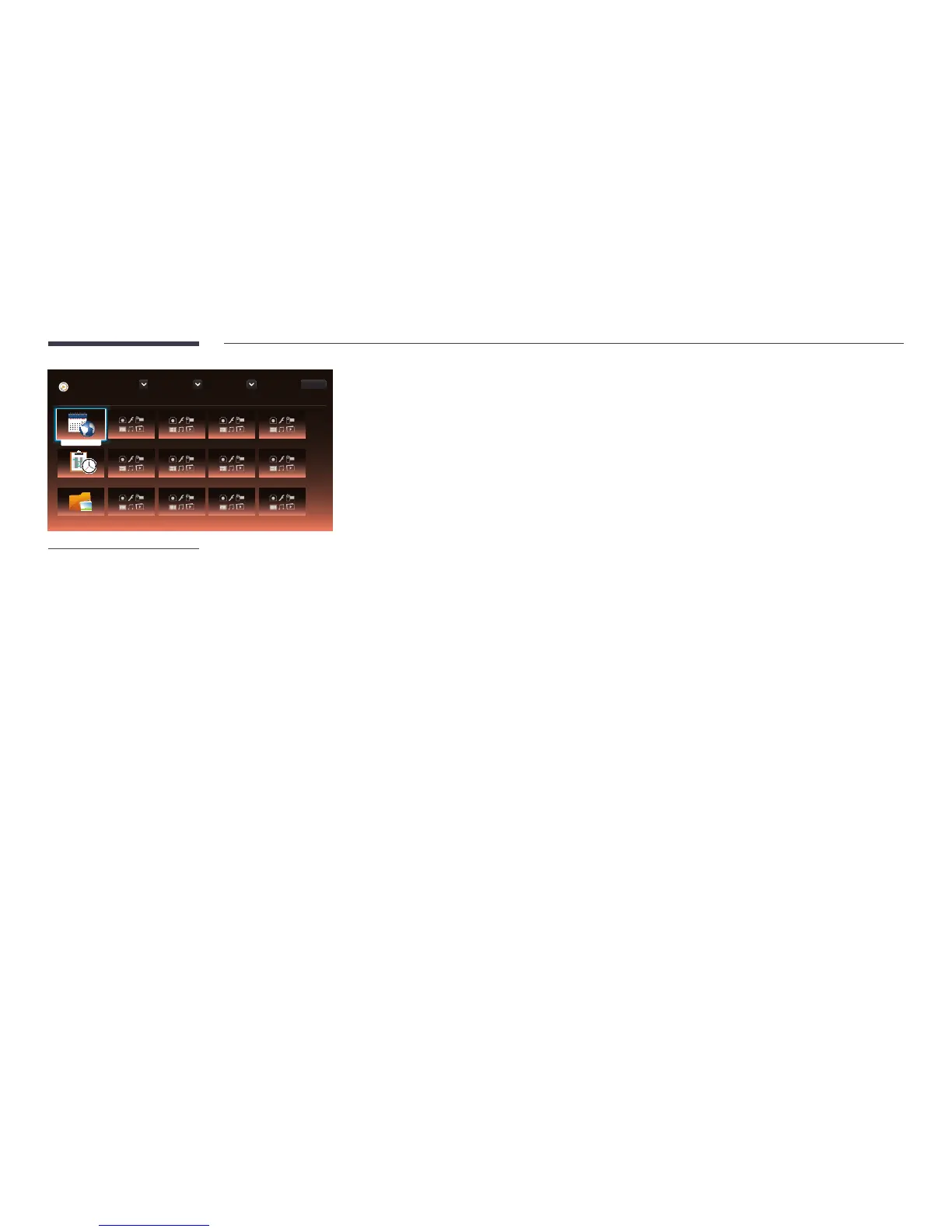
My Templates
Play a template in My Templates stored in the internal memory of the product.
Player
Device : All Content : All Sort By : File Name
Options
1 / 4 item(s)
Browse and play content stored in the selected device.
No channel.
Network Channel
Local Channel
My Templates
-
The displayed image may differ depending on the model.
No channel.



 To Next Page