36
Approving a connected device from the server
Approving the Lite server
•
Set MagicInfo Mode to Lite in Server Network Settings.
Approve and use the Lite server now.
―
First configure the server Network Settings before device approval.
1
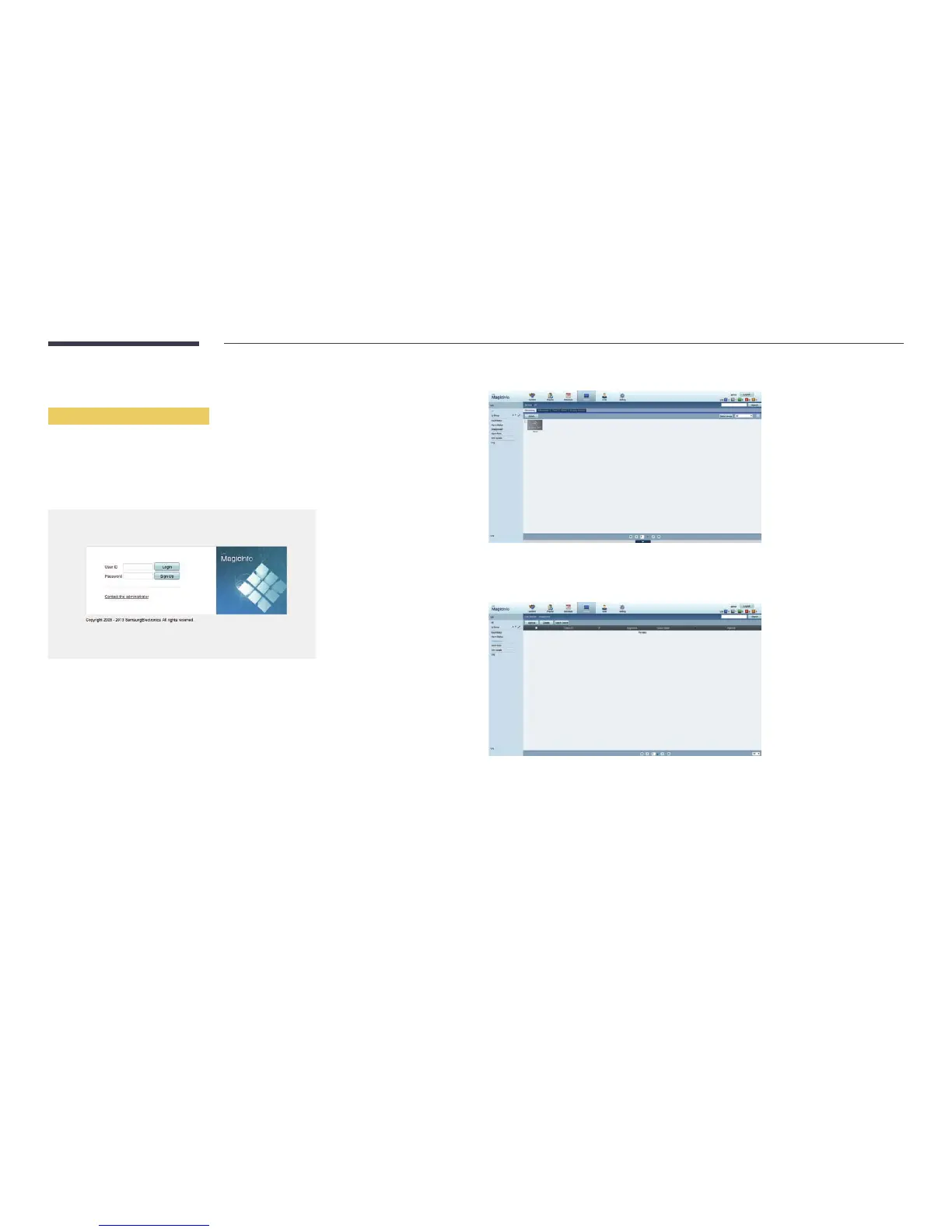
Access the server you have assigned to your device.
2
Enter your ID and password to log in.
3
Select Device from the top menu bar.
4
Select Lite from the menus on the left.
5
Select Unapproved from the sub-menus of Lite.
6
Select the Approve button for your device from the list of unapproved Lite devices.



 To Next Page