73
ENGLISH
USB interface
Install the Photo editing Software (Photo Suite
TM
)
4. Repeat steps 1~3.
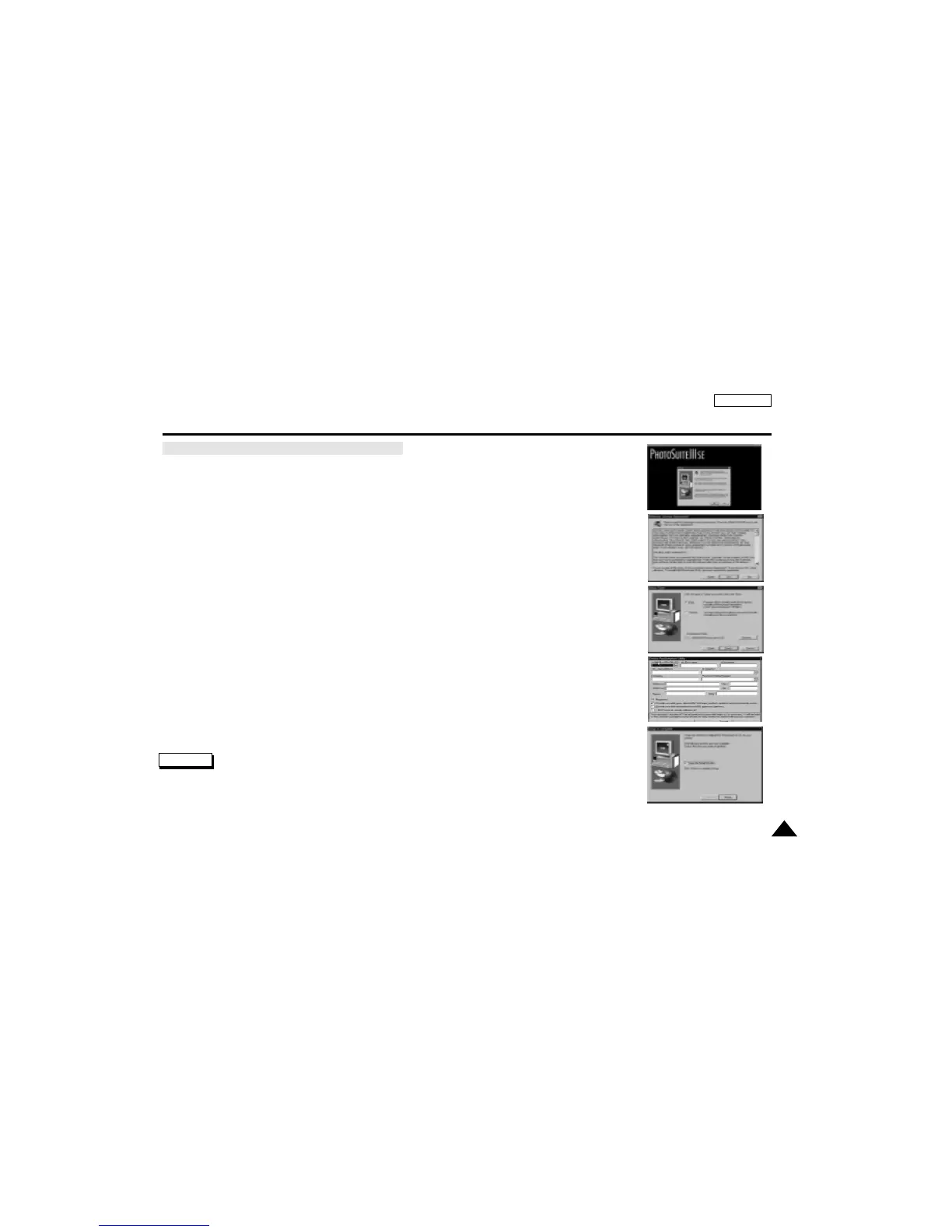
5. When you see the Start window, click “Photo Suite
TM
” to continue installation.
6. Select a language and click “OK”.
7. When the dialog box appears, click the “NEXT” button.
8. When the License Agreement window appears, click the “YES” button.
9. Choose the Destination Folder:
■
To install to default folder, click “NEXT”
■
To install to different folder, click “Browse” and select another folder.
10.Click the “NEXT" button.
11.Files are copied to selected folder.
12.When the registration window appears, click the “Continue” button.
13.Fill out blanks and click the “Register” button.
■
If you want to register later, click the “Cancel” button.
14.When the next dialog box appears, click the “Finish” button.
Note
■
The Readme files contain more information on this program.
7.
8.
9.
13.
14.



 To Next Page