79
ENGLISH
Digital Still Camera mode (SCD75/D77 only)
Selecting the quality of image
✤
You can select the quality of a still image to be recorded.
PHOTO MODE select
✤
This function is the same as PHOTO in the CAMCORDER mode. (see page 59)
Select the quality of image
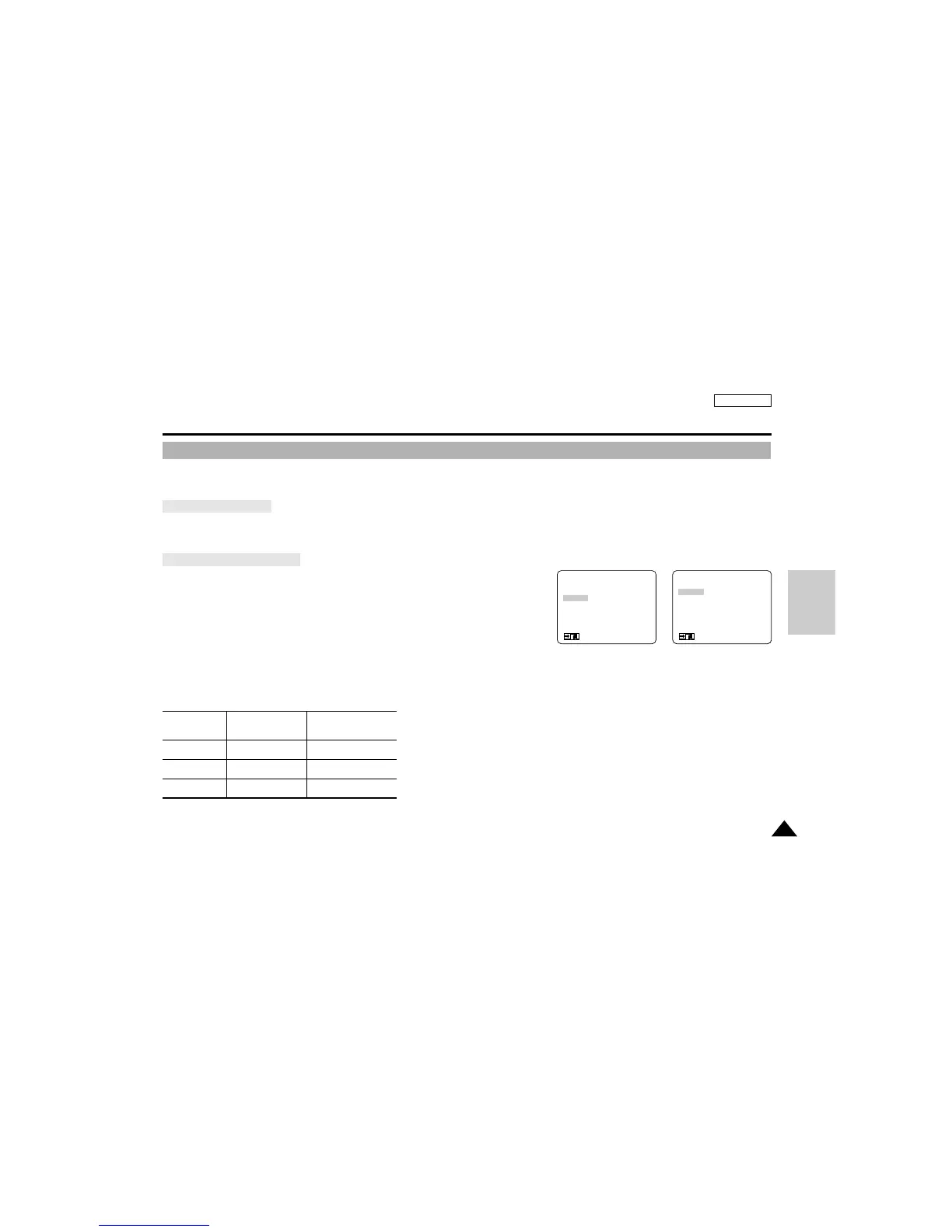
1. Set the power switch to CAMERA Mode and set the mode switch to DSC.
2. Press the MENU ON/OFF button.
■
The menu list will appear.
3. Turn the MENU DIAL to highlight QUALITY.
4. Press ENTER to enter the sub-menu.
5. Using the MENU DIAL, select the image quality.
■
Press ENTER to confirm the image quality and return to main menu.
■
If you exit the sub-menu without pressing ENTER, the quality mode is not changed.
6. To exit, press the MENU ON/OFF button.
● Number of images on the CARD or built-in memory
– The actual number of images that you can record varies depending on the image size.
QUALITY
4MB
Built-in memory
8MB
SmartMediaCard
FINE Approx. 30 Approx. 60
NORMAL Approx. 60 Approx. 120
ECONOMIC Approx. 110 Approx. 240
(MENU)
PHOTO MODE.........FIELD
QUALITY..................ECONOMIC
MEMORY FORMAT
LCD ADJUST
CUSTOM SET
DIS............................OFF
: MENU
●
QUALITY
●
NORMAL
ECONOMIC
FINE
SEL : ENTER
: MENU
D
S
C



 To Next Page