ENGLISH
84
✤
This camcorder supports the DPOF (Digital Print Order Format) print format.
✤
You can print images recorded on a SmartMediaCard on a DPOF supporting printer.
(It is not necessary to interface the Camera through your computer.)
✤
Images on a SmartMedia Card must be marked before they can be printed.
There are 3 ways to mark a DPOF mark.
■
SELECTED : To print a number of sheets of the same image.
■
ALL 1 : To print all pictures as one sheet at a time.
■
ALL 0 : To restore the print mark of all images to “0”.
1. Set the mode switch to DSC.
2. Set the power switch to PLAYER mode.
■
The last recorded image appears.
3. Using the (MEM.
+
) and (MEM.
_
) buttons, search the still image that you want to mark.
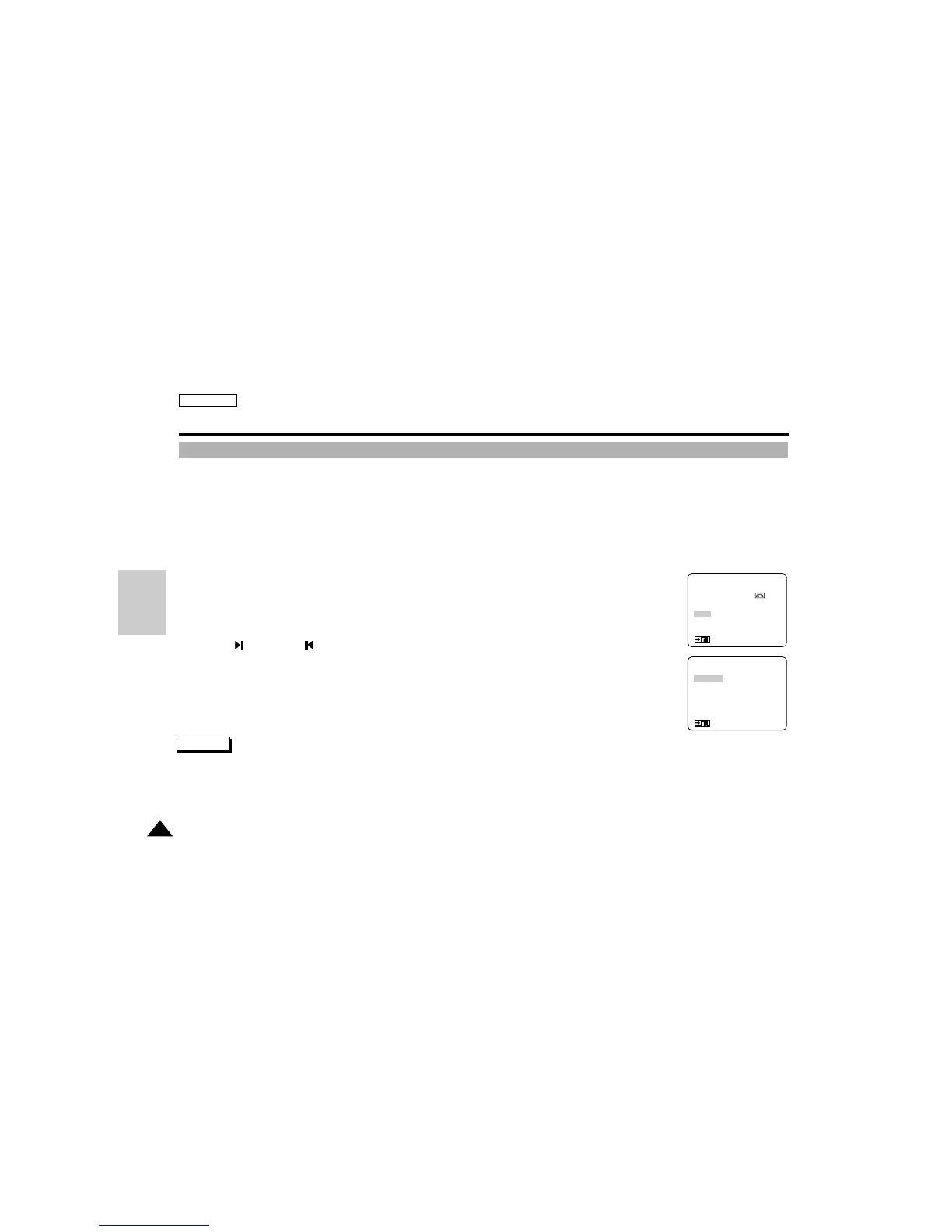
4. Enter the menu and select DPOF and press ENTER.
5. Select desired DPOF mark mode and press ENTER.
■
Return : To return to main menu.
Note
■
Although you can delete marked images, DPOF marks are not deleted.
- Set the DPOF mark of the image to 0 before deleting the image.
Digital Still Camera mode (SCD75/D77 only)
Marking images for printing (SCD77 only)
(MENU)
FILE COPY (MEMORY→ )
FILE DELETE
PROTECT SET
DPOF
LCD ADJUST
DISPLAY
: MENU
●
DPOF
●
SELECTED
ALL1
ALL0
RETURN
SEL : ENTER
: MENU
D
S
C



 To Next Page