Basics
40
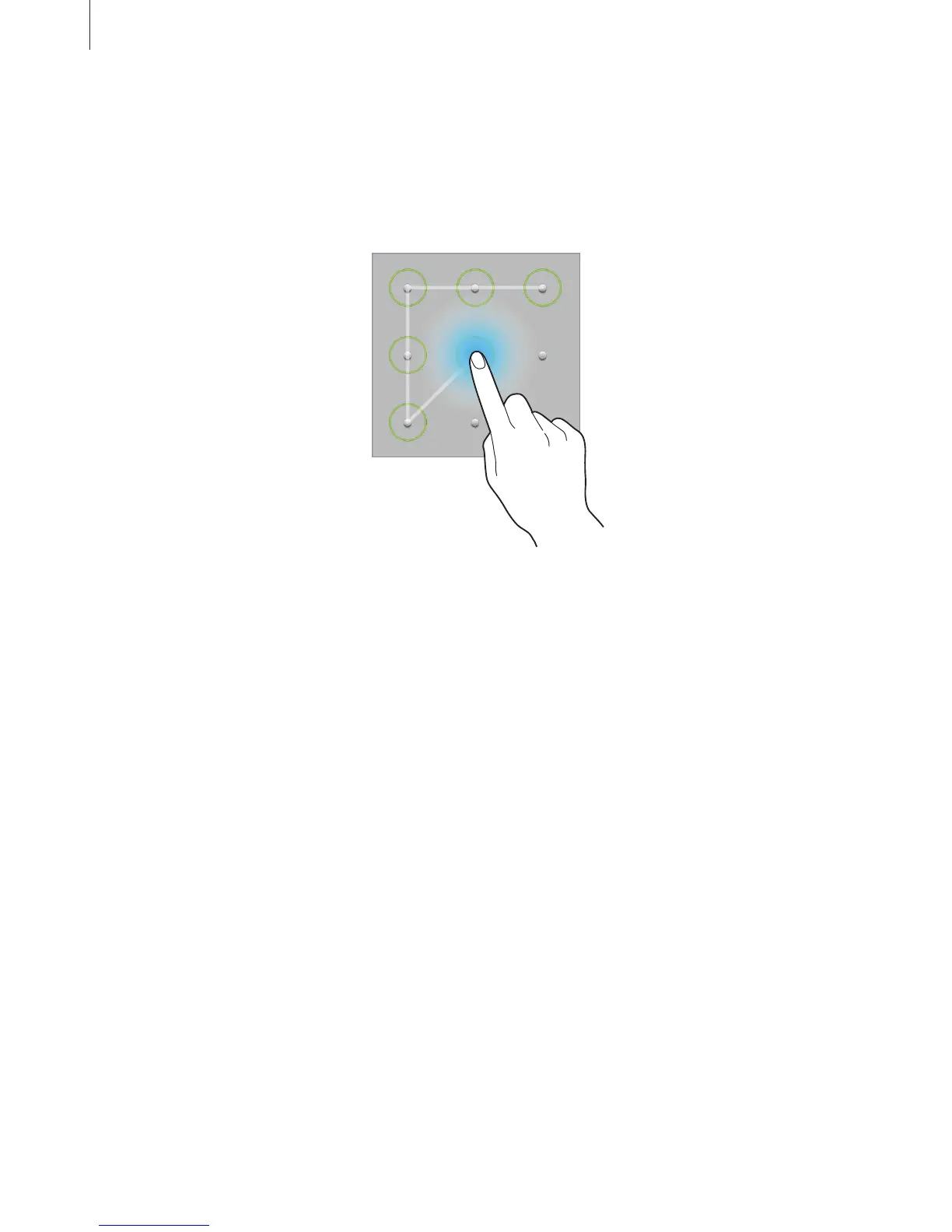
Setting a pattern
On the Applications screen, tap
Settings
→
Lock screen
→
Screen lock
→
Pattern
.
Draw a pattern by connecting four dots or more, and then draw the pattern again to verify it.
Set a backup unlock PIN to unlock the screen when you forget the pattern.
Setting a PIN
On the Applications screen, tap
Settings
→
Lock screen
→
Screen lock
→
PIN
.
Enter at least four numbers, and then enter the password again to verify it.
Setting a password
On the Applications screen, tap
Settings
→
Lock screen
→
Screen lock
→
Password
.
Enter at least four characters including numbers and symbols, and then enter the password
again to verify it.












 To Next Page