Web & network
56
Managing contents on a web storage service
Select a web storage service, and then view and manage your files.
To transfer files between your device and a web storage service, tap
, select files, and then
tap
.
To register web storage services to the device, tap
→
Add storage
, and then select a web
storage service.
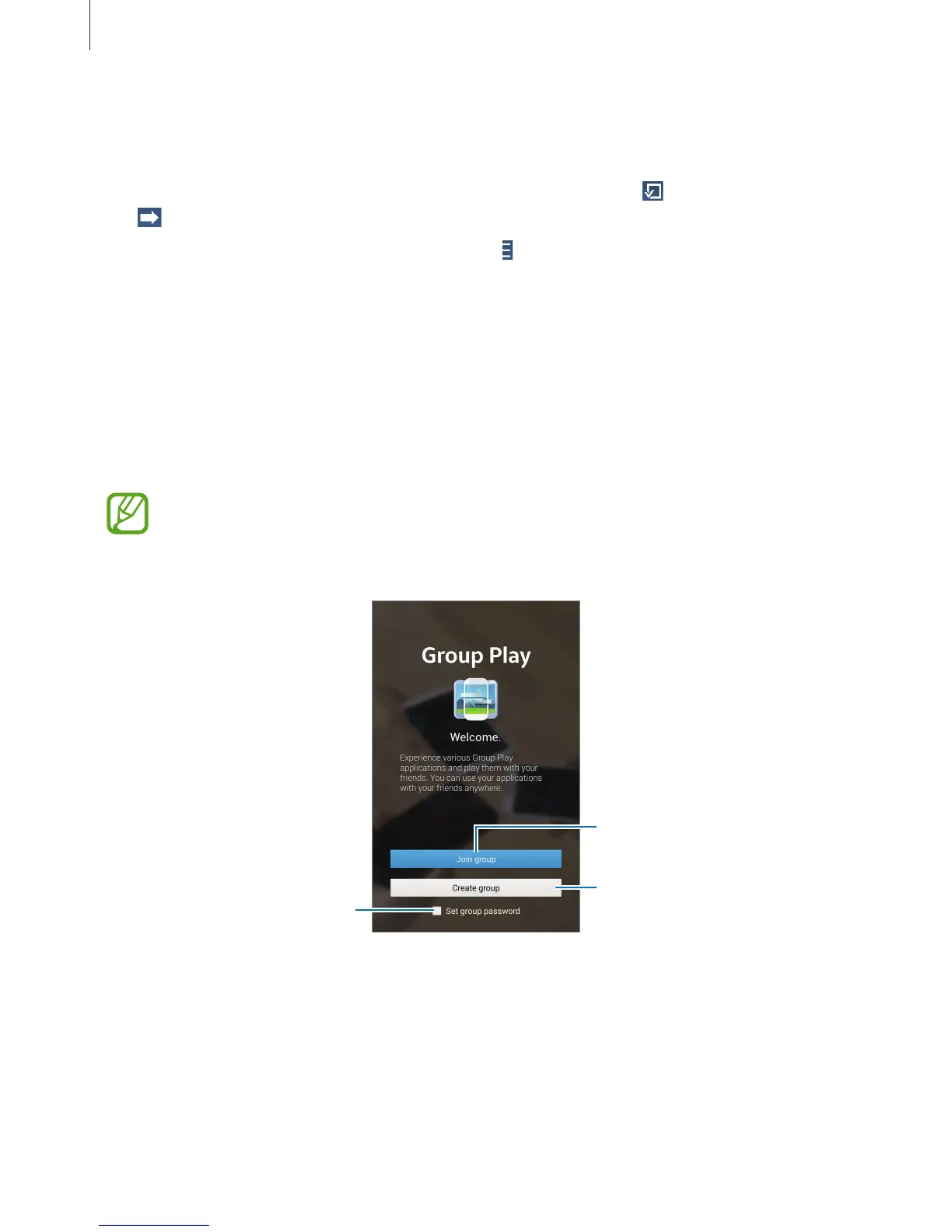
Group Play
Use this application to enjoy moments with your friends by sharing and playing content.
Create or join a Group Play session, and then share content, such as images or music.
Tap
Group Play
on the Applications screen.
•
This application may not be available depending on the region or service provider.
•
While using this application, you cannot access the Internet through the Wi-Fi
network.
Join a Group Play session.
Set whether or not to require a












 To Next Page