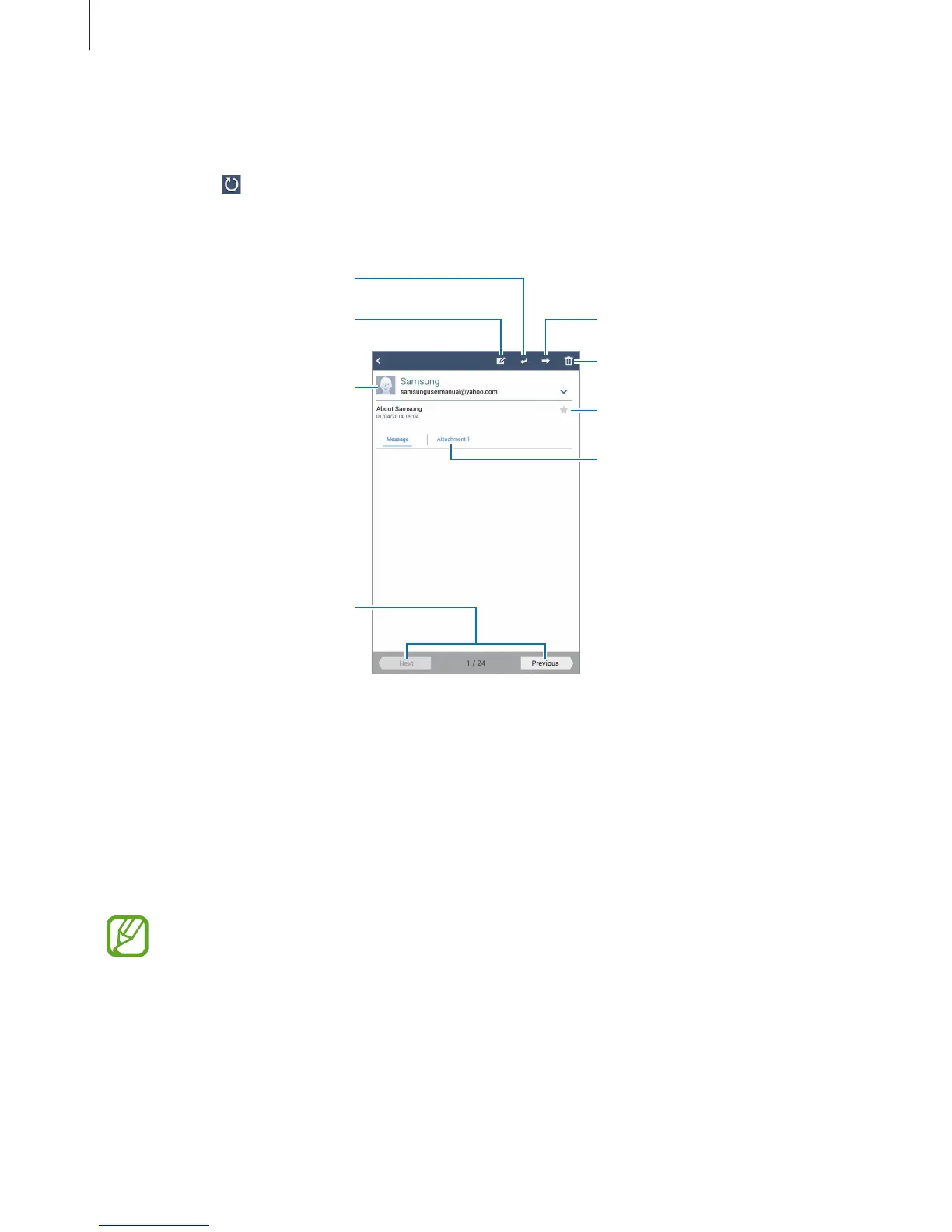
Add this email address to the
contacts list.
Delete the message.
Mark the message as a reminder.
Forward the message.
Compose a message.
Go to the previous or next
message.
Tap the attachment tab to open attachments, and then tap
Save
to save it.
Google Mail
Use this application to quickly and directly access the Google Mail service.
Tap
Google Mail
on the Applications screen.
•
This application may not be available depending on the region or service provider.
•
This application may be labelled differently depending on the region or service
provider.












 To Next Page