Media
70
Story Album
Use this application to create your own digital album to keep your stories by organising the
images neatly and automatically.
Tap
Story Album
on the Applications screen.
Creating story albums
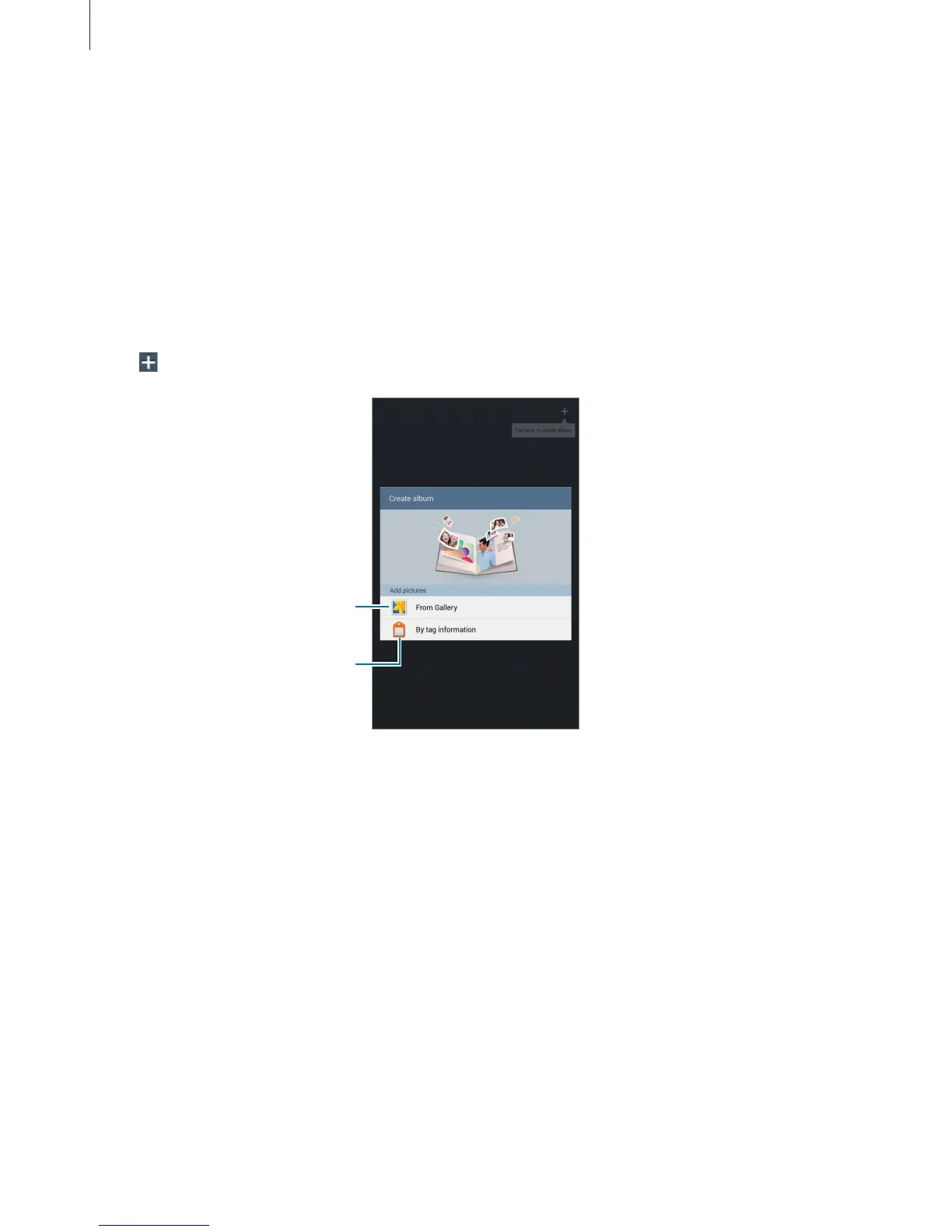
Create story albums by selecting images from
Gallery
or images sorted by tag information.
Tap
, and then select an option.
Select images from Gallery.
Select images by tag
information.
Creating albums from Gallery
Tap
From Gallery
, select a folder, select images, and then tap
Done
. Enter a title for the
album, select a theme and a cover image, and then tap
Create album
.












 To Next Page