Utilities
91
Spreadsheet
•
Switch to Edit Mode
: Open the editing toolbar.
•
Freeze frame
: Keep the selected row in place.
•
Screen capture
: Capture the selected area.
•
View Information
: View the document details.
•
Help
: Access help information for using the POLARIS Office.
Text
•
Read All
: Read the document via the text-to-speech feature.
•
Screen capture
: Capture the selected area.
•
View Information
: View the document details.
•
Help
: Access help information for using the POLARIS Office.
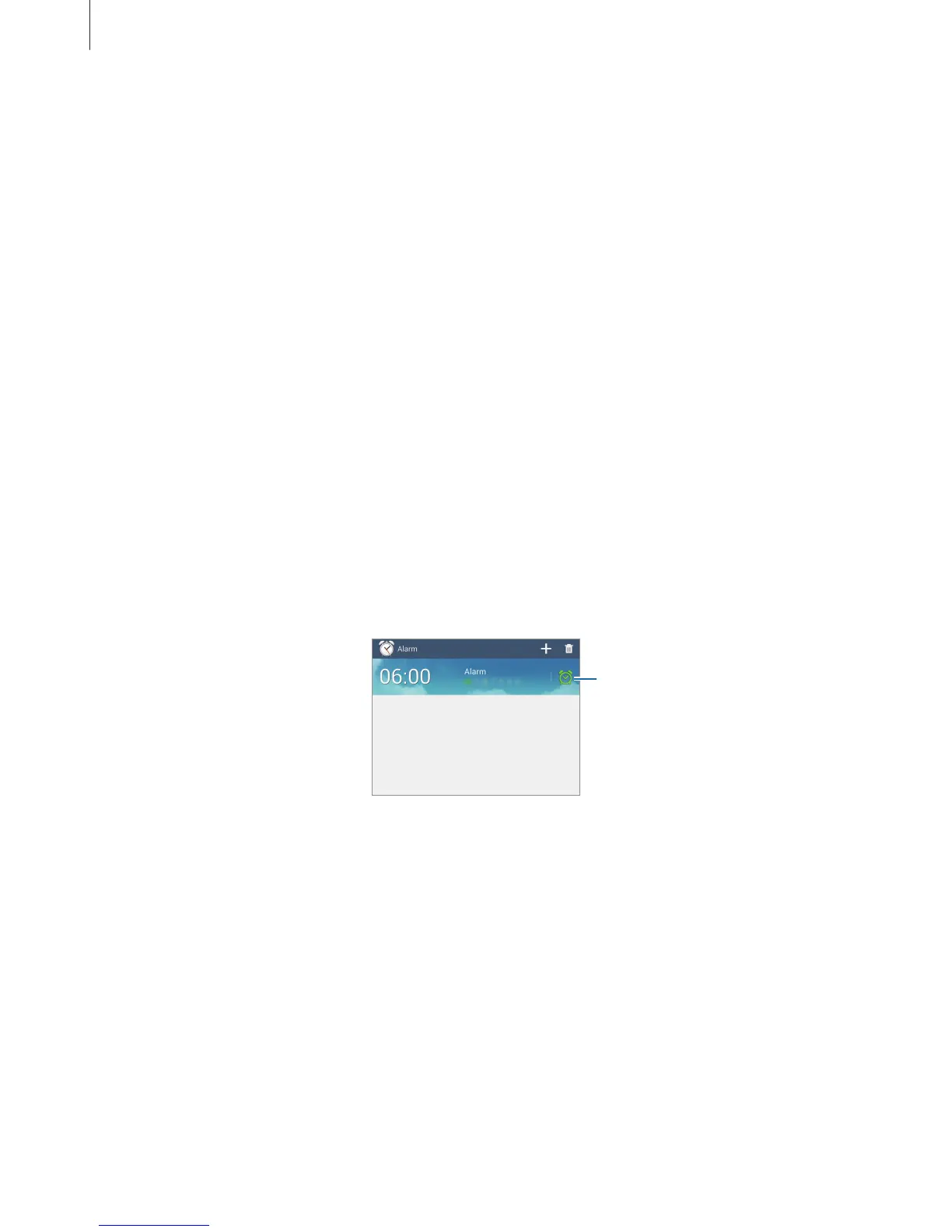
Alarm
Use this application to set wake-up calls and alarms for important events.
Tap
Alarm
on the Applications screen.
Turn this alarm on or off.












 To Next Page