Media
64
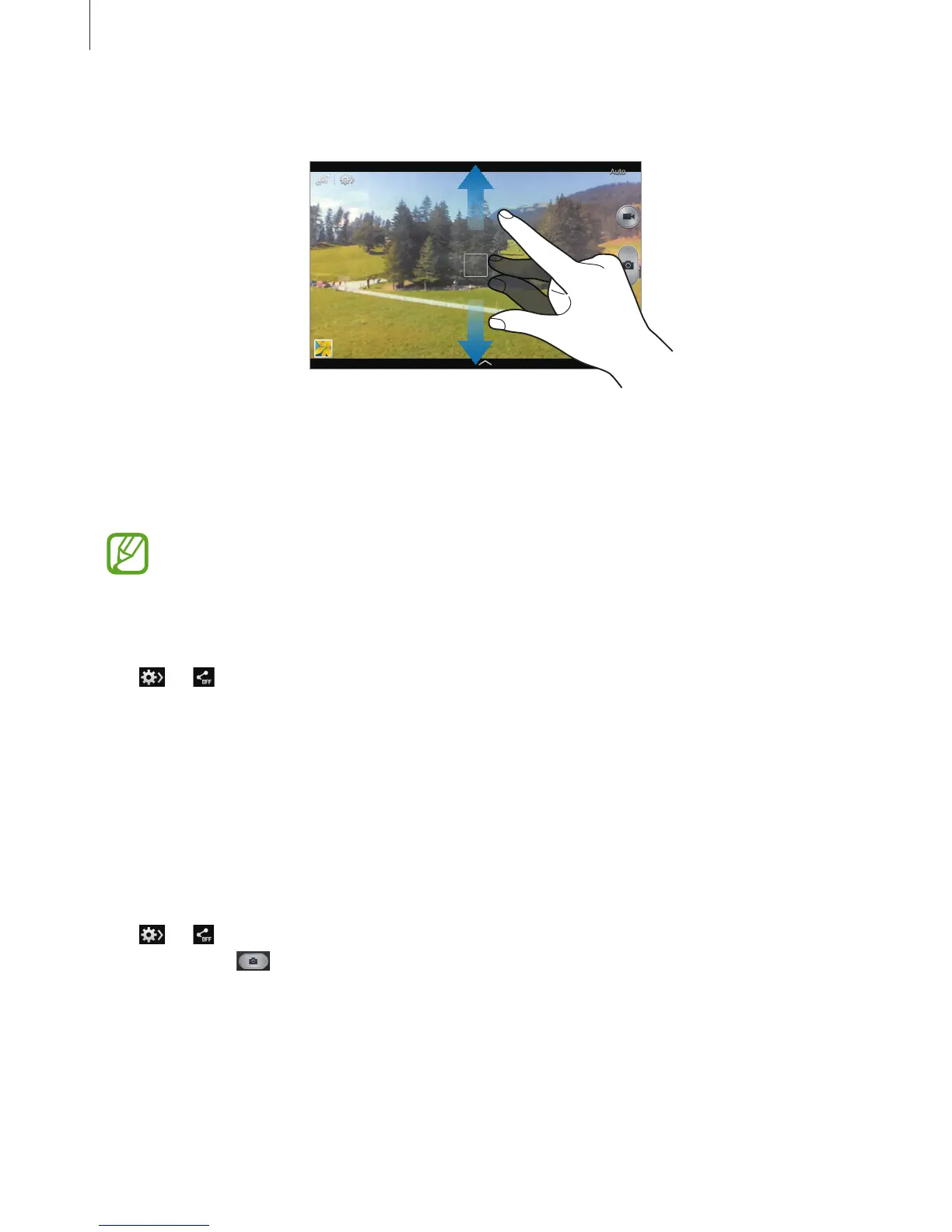
Zooming in and out
Use one of the following methods:
•
Use the Volume button to zoom in or out.
•
Spread two fingers apart on the screen to zoom in, and pinch to zoom out.
The zoom in/out effect is available when using the zoom feature while shooting
video.
Share shot
Tap
→
, and then select one of the following:
•
Share shot
: Send a photo directly to another device via Wi-Fi Direct.
•
Buddy photo share
: Set the device to recognise a person’s face that you have tagged in a
photo and send it to that person.
•
Remote viewfinder
: Set a device to control the camera remotely.
Controlling the camera remotely
Set a device as a viewfinder to control the camera remotely.
Tap
→
→
Remote viewfinder
, and then connect the device and the camera using
Wi-Fi Direct. Tap
to take a photo remotely using the device as a viewfinder.












 To Next Page