SMT-i6020/6021 User Guide _31
Functions Available during Call
The functions below are convenient to use while making a call via an extension or
outbound line.
Call Park
A call can be held temporarily to make the caller wait, and then the conversation can
be continued when convenient.
Operation may vary depending on you system. For more information, contact
you system manger.
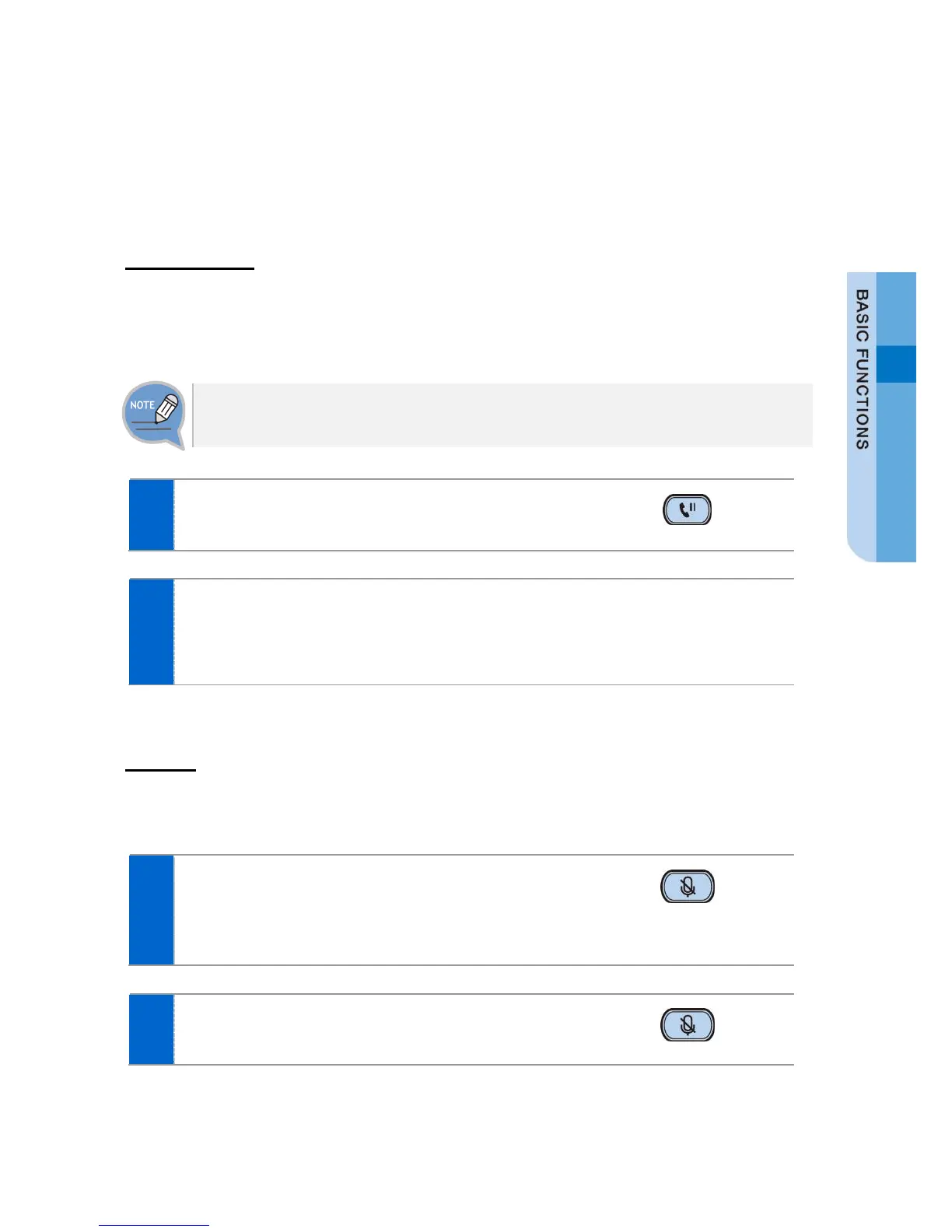
To hold the current call, press the [Hold] button
during call.
The ‘Hold’ message is displayed.
- If Speaker mode, waiting screen is displayed.
- The call can be resumed by pressing the [Program key] [Resume] soft button
again.
Mute
This function is used to silence the user’s voice during a call via an extension line, but
the user can still hear the voice of the other party.
To block your voice during call, press the [Mute]
button.
- Now the counterpart cannot hear your voice.
- The LED of [Mute] button is turned on.
When you press the [Mute] button again, the
function is cleared.








 To Next Page