32_ © SAMSUNG Electronics Co., Ltd.
Call Transfer
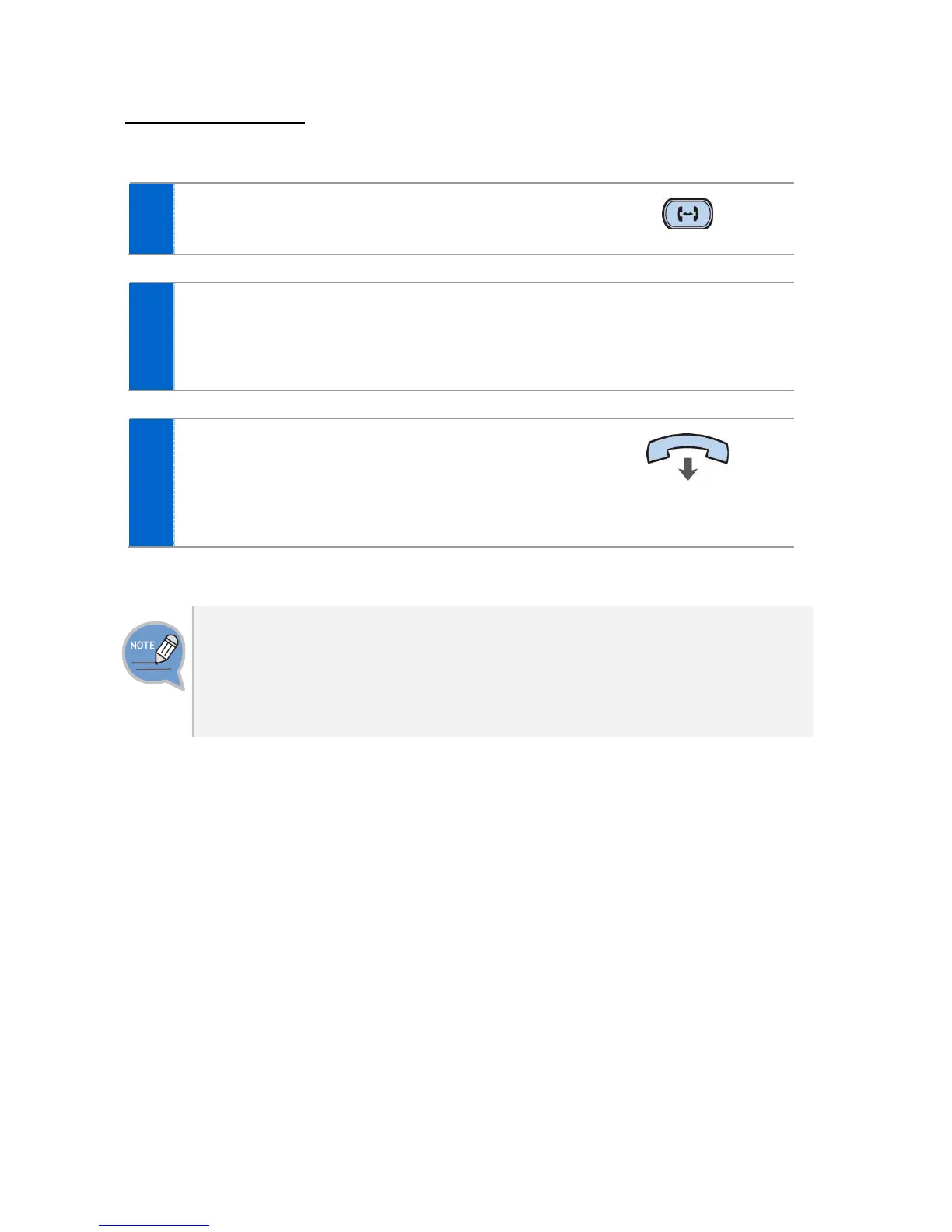
A current call can be transferred to another extension or outbound line’s subscriber.
To transfer a call, press the [Transfer] button.
After hearing a dial tone, dial the phone numbers of the other conference
participants.
- If you need to transfer a call to a phone number in an outbound line, enter the
outbound call number first and then enter the phone number.
When a ring back tone is heard from the other
subscriber, put down the handset.
- Alternately, wait until the called party receives the call,
and then hang up the phone after telling him/her
about it.
If the subscriber who received a transferred call is busy or does not receive
the call:
To return to the original call, press the [cancel] button. Then you can retry by
press the [Transfer] button again to retry, or, return to the existing call by pressing
the [Hold] button.




 To Next Page