34_ © SAMSUNG Electronics Co., Ltd.
Call Move
You can move a call back and forth between the IP phone and mobile phone.
When IP phone is connected with smart phone’s bluetooth headset, a call can be
transferred from IP phone to smart phone using system function and bluetooth
function.
Go to [Menu] [Settings] [Bluetooth & Headset] After setting the
[Bluetooth Mode] to the smartphone, connect your smartphone to the IP
phone.
- For more information about how to setup, refer to the ‘Bluetooth & Headset’ part of
this manual.
During communication using the IP phone, if you press the [Move] button,
you can still talk through the smartphone.
- Operation may vary depending on call type.
During communication using the smartphone, if you press the [Headset]
button, you can still talk through the IP phone.
- Operation may vary depending on smart
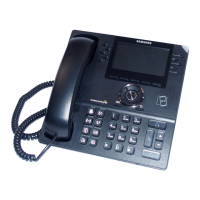
This function is supported for 6021 model only.




 To Next Page