50_ © SAMSUNG Electronics Co., Ltd.
Settings
You can set up screen, sound, language, password and lock and retrieve the phone
information.
Sound
Volume
Select [Menu] [Settings] [Sound] [Volume].
By pressing the navigation button, you can set the volume of a handset (receiver),
speaker, ringtone, key tone, headset, message alert, and alarm respectively.
Ring Tone
Select [Menu] [Settings] [Sound] [Ring Tone].
You can set up a ringtone.
Key Tone
Select [Menu] [Settings] [Sound] [Key Tone].
You can set up a key tone.
Message Tone
Select [Menu] [Settings] [Sound] [Message Tone].
You can set up a message alert sound.
Bluetooth Ring
Select [Menu] [Settings] [Sound] [Bluetooth Ring].
You can set bluetooth Ring type.
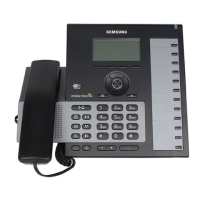
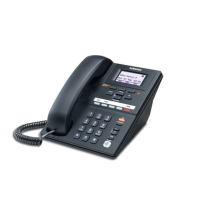
This functiion is supported on SMT-i6021 model only.







 To Next Page