54_ © SAMSUNG Electronics Co., Ltd.
Bluetooth Mode
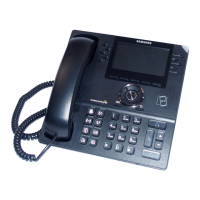
SMT-i6021 Phone provides two kind of Bluetooth function.
- [Headset]: You can register and use Bluetooth headset to IP Phone.
- [Smartphone]: IP Phone works as Bluetooth Headset of smart phone.
In this case, to call with smart phone, you can use speaker or handset of IP phone.
Select [Menu] [Settings] [Bluetooth & Headset] [Bluetooth
Mode].
- If you want to change [Bluetooth mode] as [smartphone], you have to change
[Headset mode] as [Standard] also.
- A Bluetooth headset is provided separately.
- The method of use and support may differ depending on the type of Bluetooth
headset. Refer to the user manual of the Bluetooth device.
- EHS Equipment supported with phone is Plantronics APU-71.
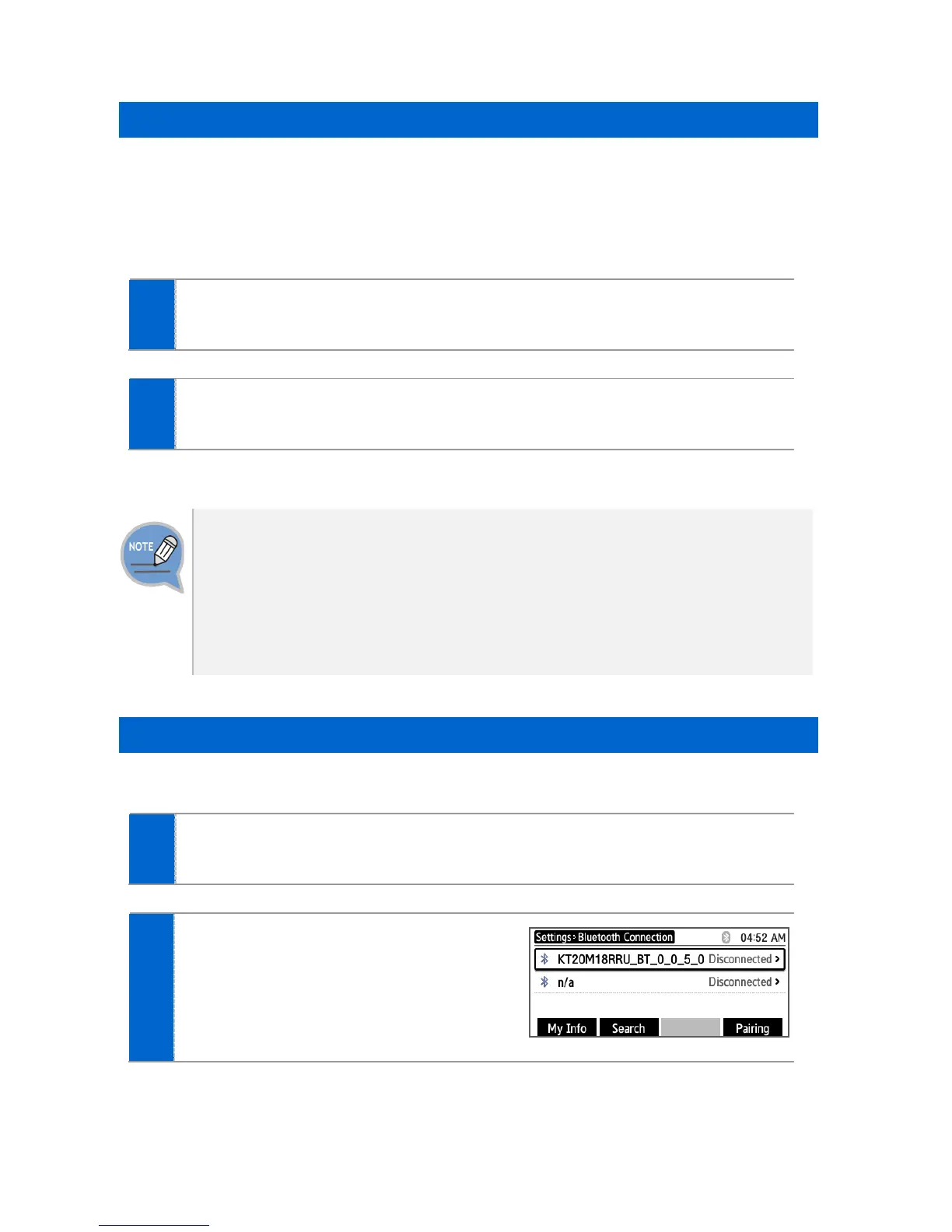
Bluetooth Connection
[Bluetooth mode is ‘Headset’]
Select [Menu] [Settings] [Bluetooth & Headset] [Headset]
[Set].
After searching nearby Bluetooth
devices, the connection information is
displayed.




 To Next Page