86_ web viewer
web viewer
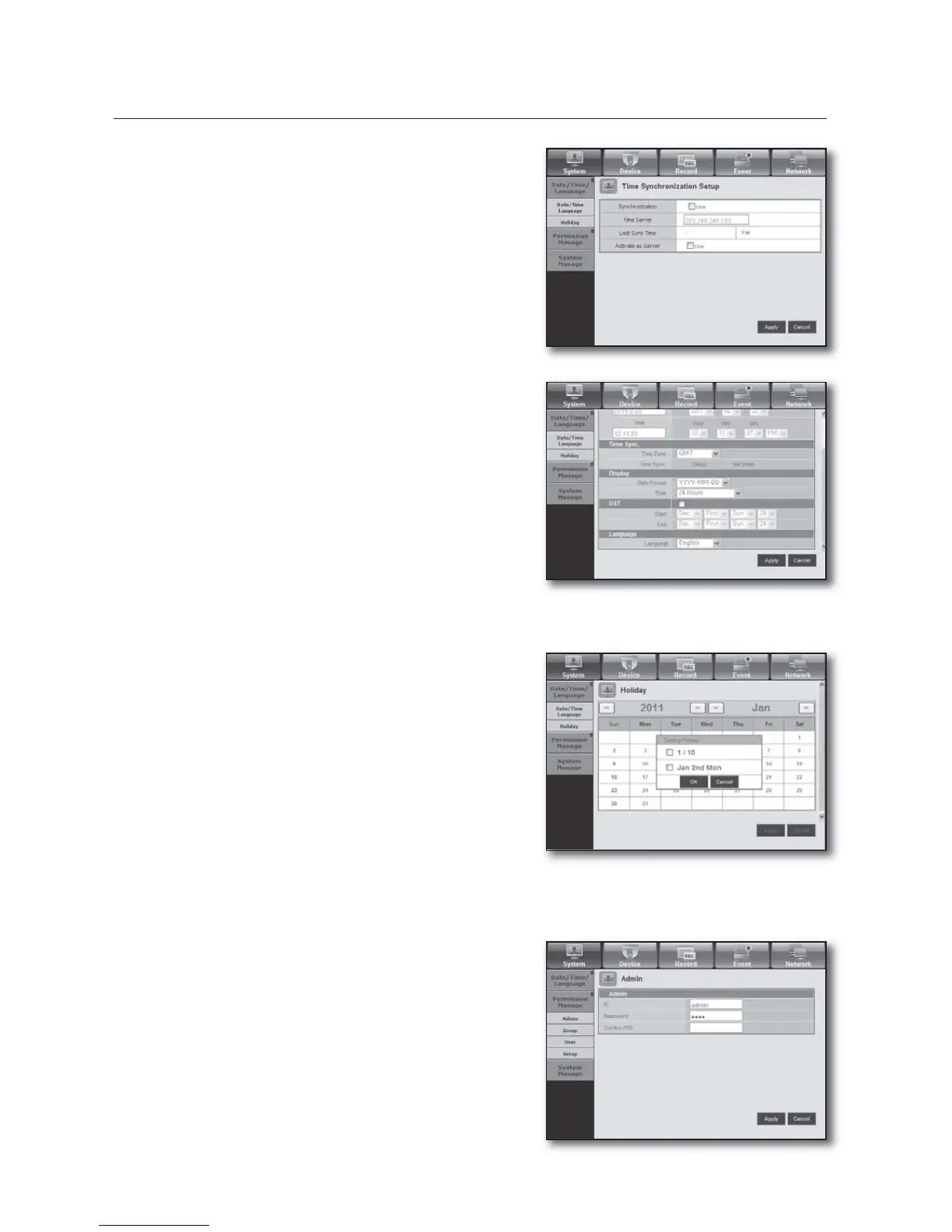
Time Synchronization Setup
Set the time synchronization.
Display
Date Format : Set the date type.
Time : Select a time format to display on the screen.
DST (Daylight Saving Time)
DST is displayed an hour ahead of the standard time of the
time zone.
Language
Select a preferred language for the DVR.
Holiday
You can set specifi c dates to Holidays according to your
preferences.
For more information, refer to <Setting Holiday> in the
<System Setup> menu. (Page
35)
Permission Management
For more information, refer to <Permission Management> in the <System Setup> menu. (Page 36)
Admin
You can change the admin ID or the password.
•
•
•
•
•



 To Next Page