10_ overview
overview
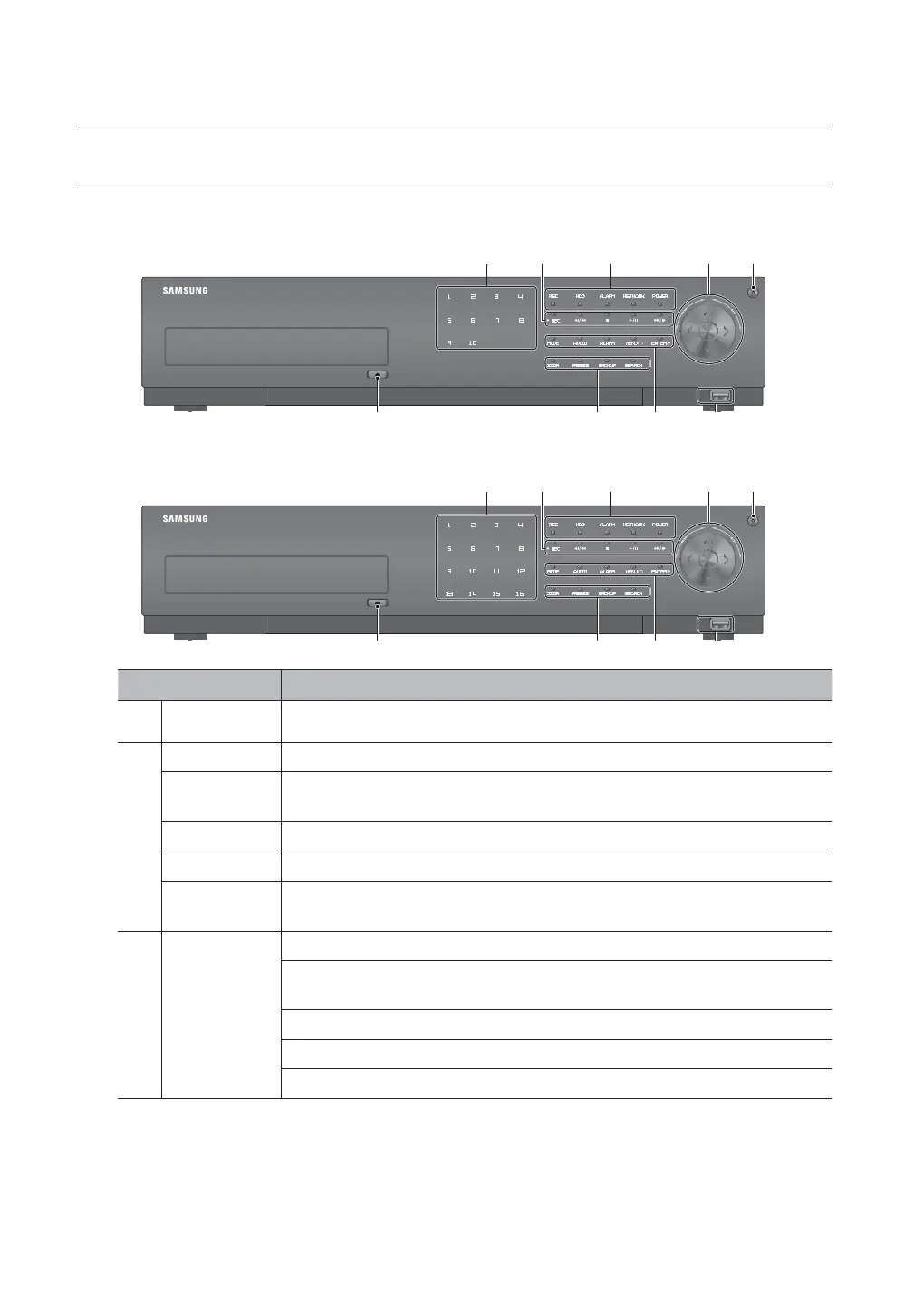
PART NAMES AND FUNCTIONS (FRONT)
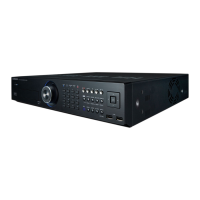
SRD-876D
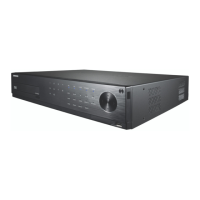
SRD-1656D/1676D
Part Names Functions
Channel Used to select channel numbers directly in the Live Mode, or numbers in the numeric input mode.
b
REC Starts or ends the recording.
/
Step Rewind (
) : Used for backward frame-by-frame search while in PAUSE.
Fast Rewind () : Used for quick backward search while in Play. (2x-64x)
Stop : Used to stop the playback.
►/
Play/Pause : Used to pause or resume the screen.
/
Fast Forward () : Used for quick forward playback. (2x-64x)
Step Forward (
) : Used for forward frame-by-frame search while in PAUSE.
c
LED Indicator
REC : Lights on when recording is in progress.
HDD : Displays the normal access to HDD.
Upon access to HDD, LED repeats on and off.
ALARM : Lights on when an event occurs.
NETWORK : Displays both network connection and data transfer status.
POWER : Displays the power ON/OFF status.
USB
b
c
USB
b
c


 To Next Page